Automate thebusywork.Be part of the action.

Automate judging updates, broadcasts, registrations and car checks for your Assetto Corsa drift competition. Your crew keeps control of decisions and approvals.

What would you like to automate?

Choose the jobs that take up your team’s time.

Where does your team lose time?

Illustrative staff-time estimates, not measured savings, cash savings or a guarantee. USD includes eligible software discounts and selected setup. Hardware, external services and maintenance excluded; installation and training time not deducted. Assumes each selected workflow runs at every event for the entered driver count. Future use depends on compatibility.

See what happens automatically.

Real tools. The repetitive work, handled.

The modular toolkit

Choose your race-day crew.

Buy only the tools you need.
Two options per module, prices in USD.
Choose 3+ for an extra 20% off software.

Judges & Commentators

Run judging and keep commentators informed with live scores, decisions and available driver context.

3 modules
1h guided setup option

Live Judging

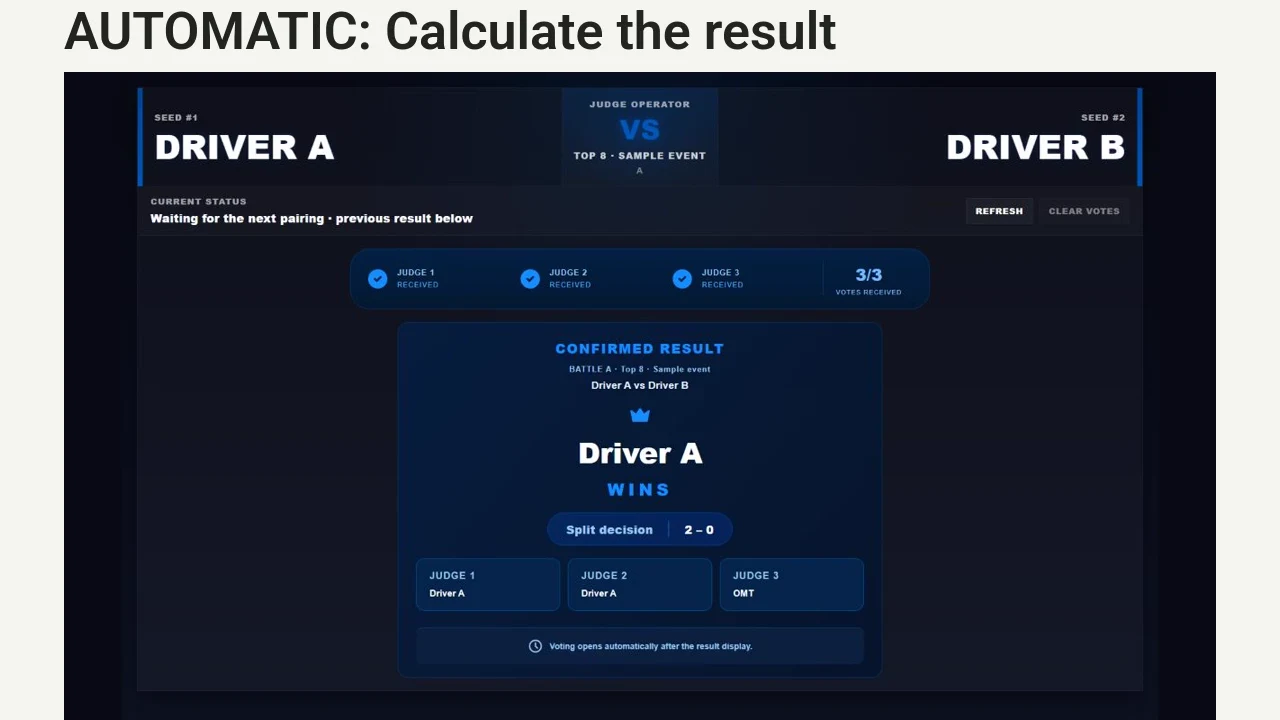
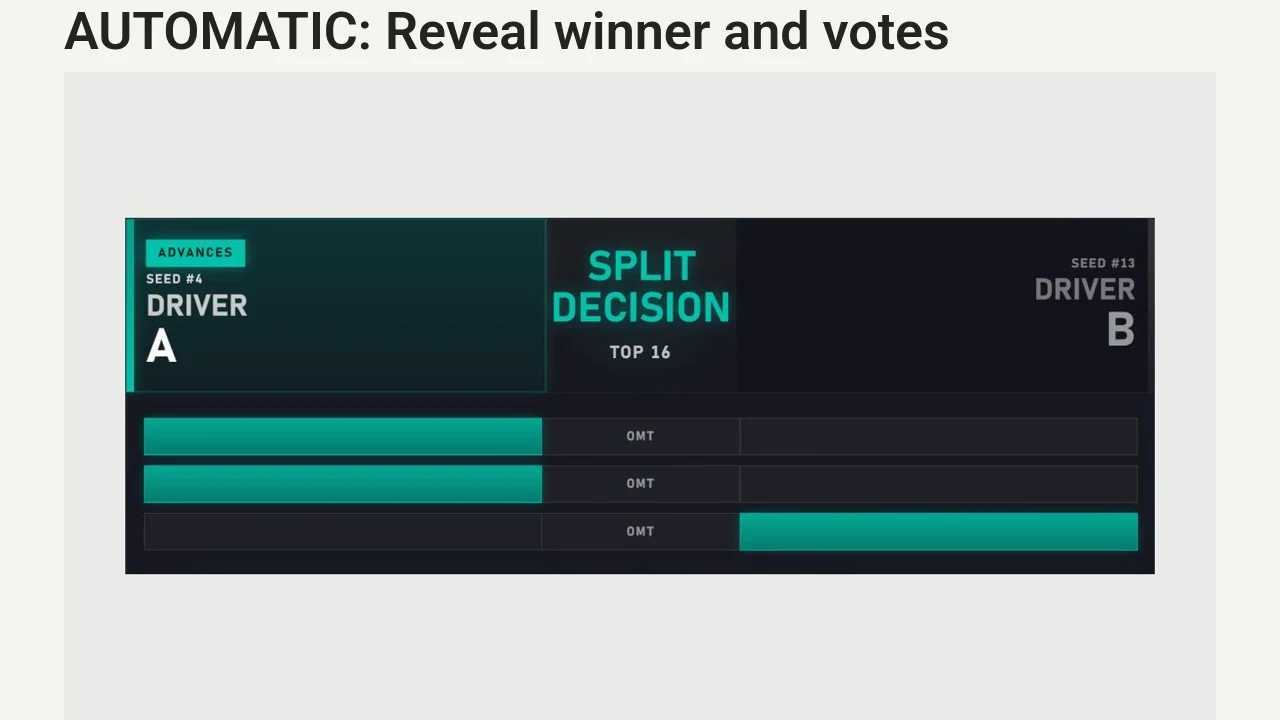
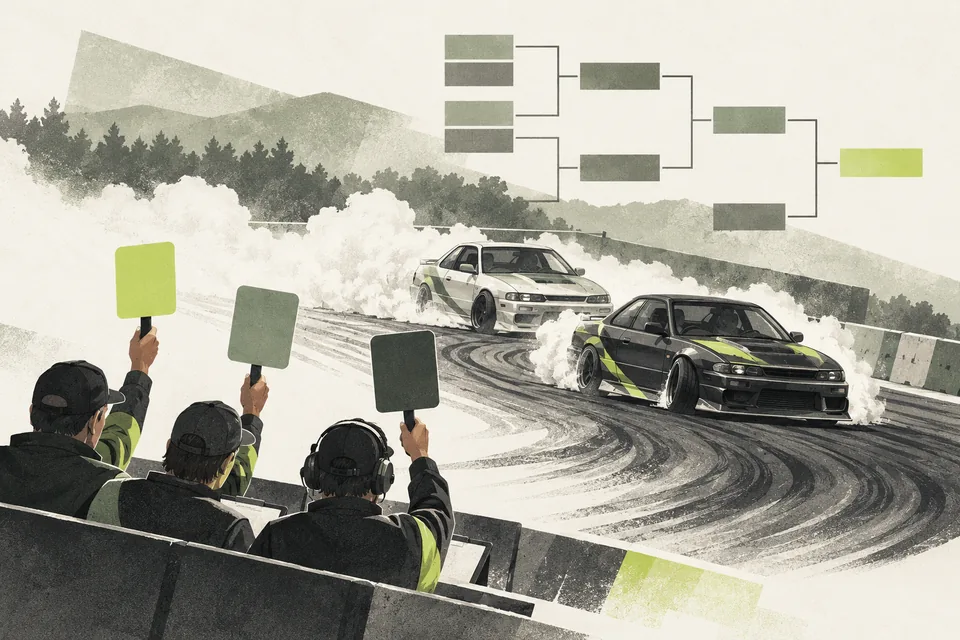
Enter qualifying scores and battle votes in one Google Sheet. The system calculates results, syncs your Challonge bracket and calculates season standings from archived rounds using your configured scoring rules. Judges keep the sporting decisions.

Automates: Qualifying and battle calculations, bracket updates and season standings from archived round results.
Choose your option USD / once
1h guided setup option

Live Staff Dashboard

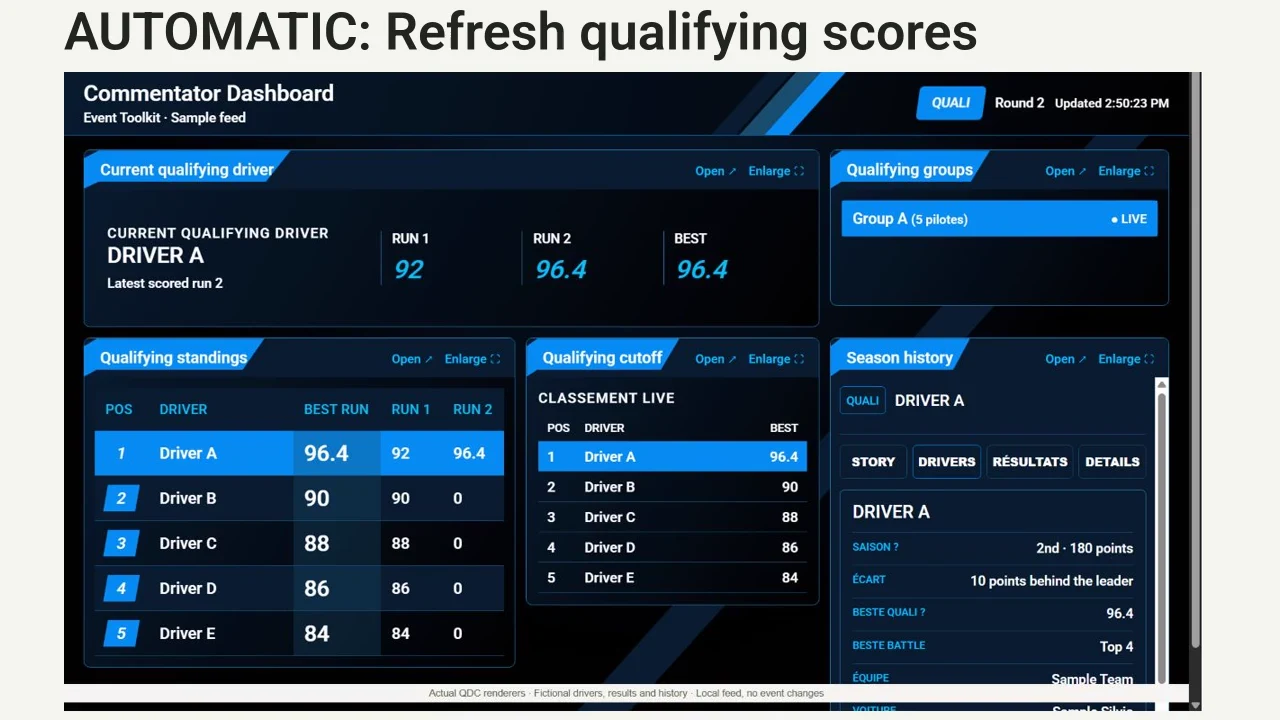
Keep staff and commentators informed in one read-only browser dashboard: current qualifying driver, scores, published battle decisions and season standings. Supplied driver history adds context where available.

Automates: Refreshing competition information and available driver context from the configured live data.

Required modules: Live Judging

Choose your option USD / once
1h guided setup option

Discord Live Leaderboards

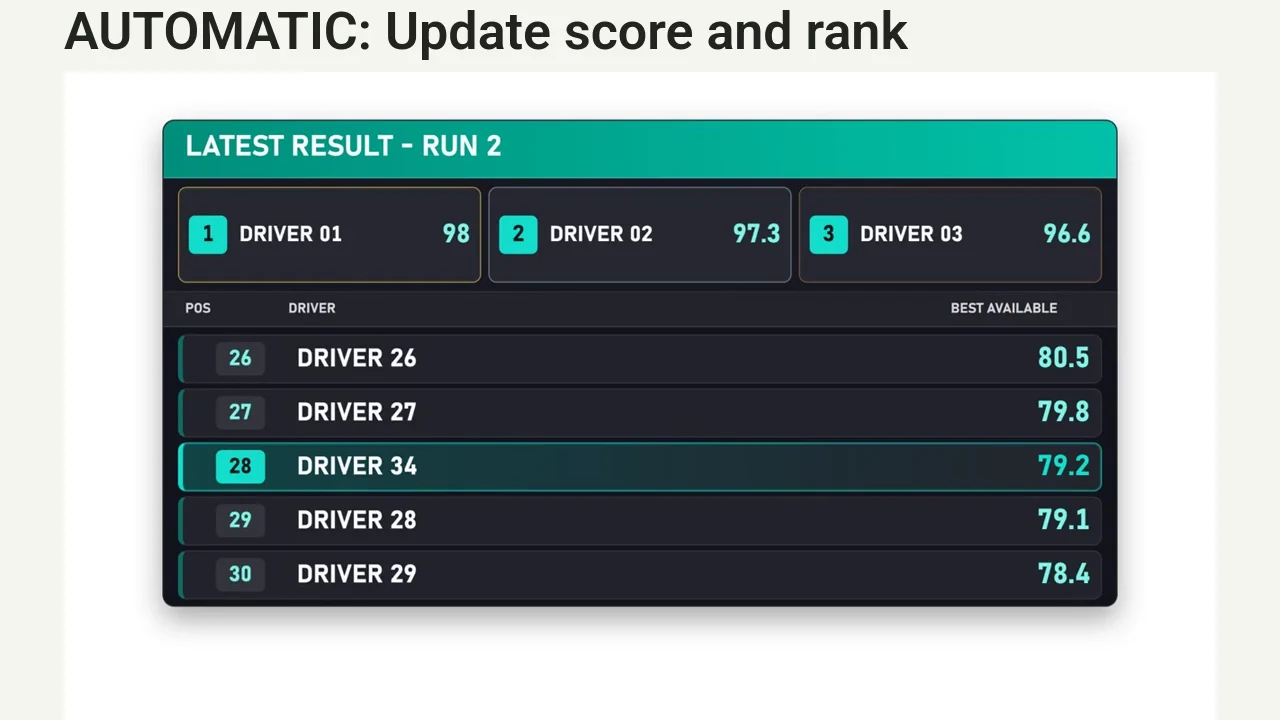
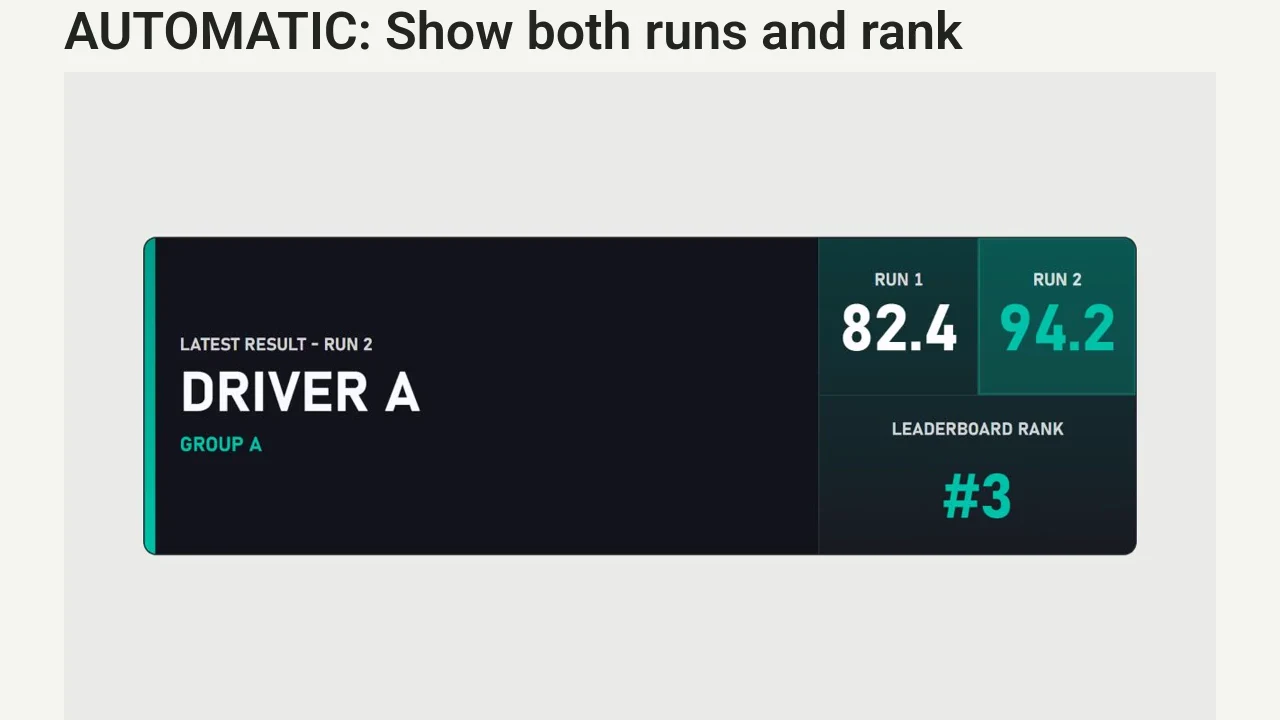
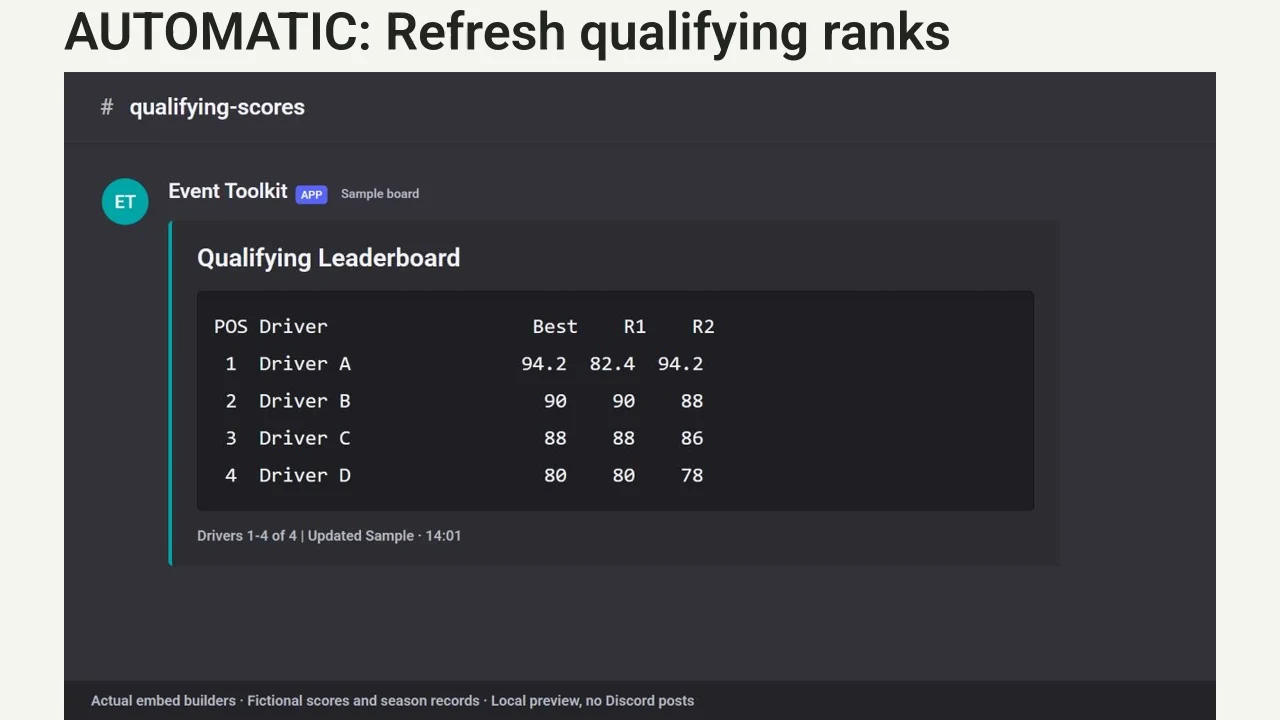
Record scores in Live Judging. Qualifying rankings and season standings refresh in your Discord channels without staff copying each update.

Automates: Refreshing qualifying and season leaderboard embeds from your official live data.

Required modules: Live Judging

Choose your option USD / once

Broadcasters

Keep the stream clear with live overlays, replays and driver graphics.

3 modules
1h guided setup option

Broadcast Overlays

Score the event in your live Sheet. Driver names, scores, battle results and standings update in OBS automatically.

Automates: OBS graphics updates from your judging Sheet.

Required modules: Live Judging

Choose your option USD / once
1h guided setup option

Replay Recorder + Side-by-Side

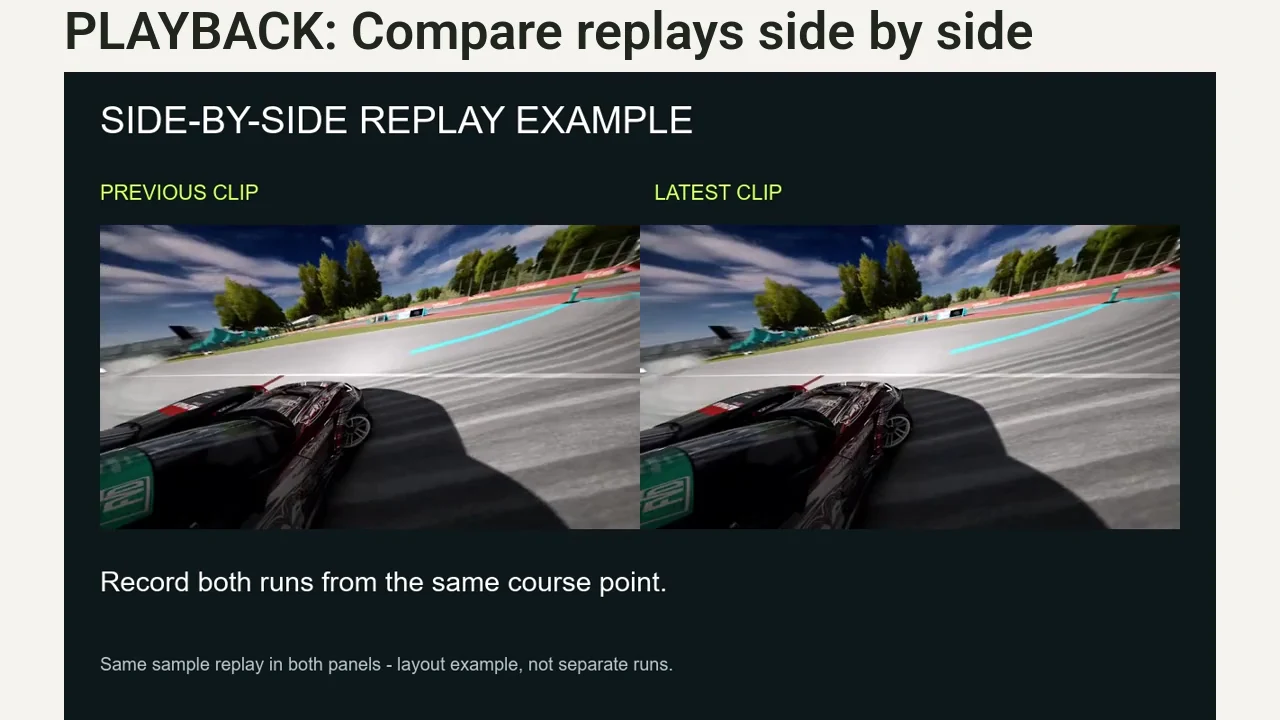
Use OBS hotkeys to record replay-camera views and load the latest and previous runs for side-by-side playback. Start recording both runs at the same course point for a comparable view.

Automates: Loading the latest and previous replay clips into OBS.

Choose your option USD / once
1h guided setup option

Driver Graphics Pack

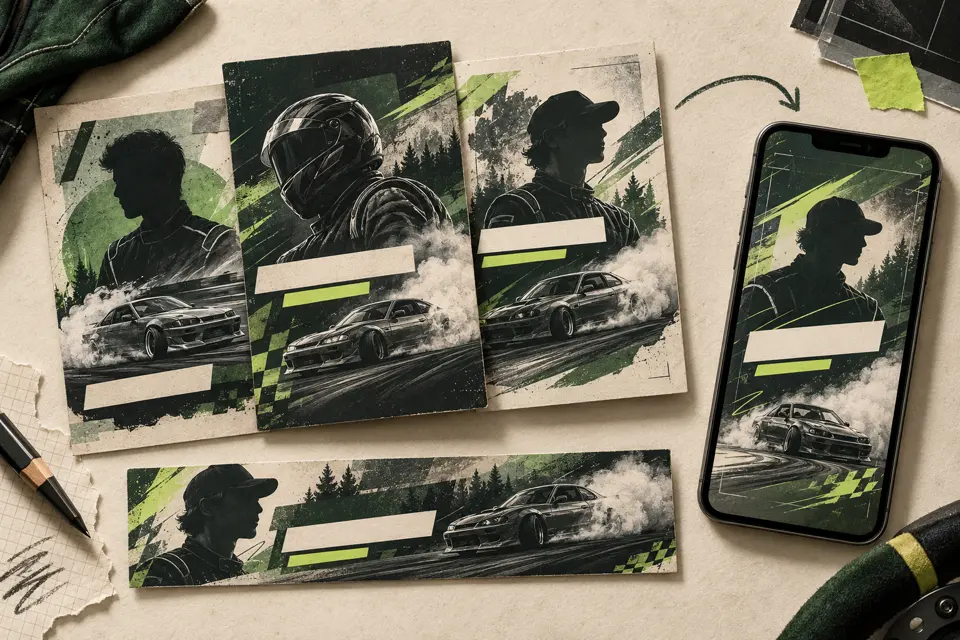
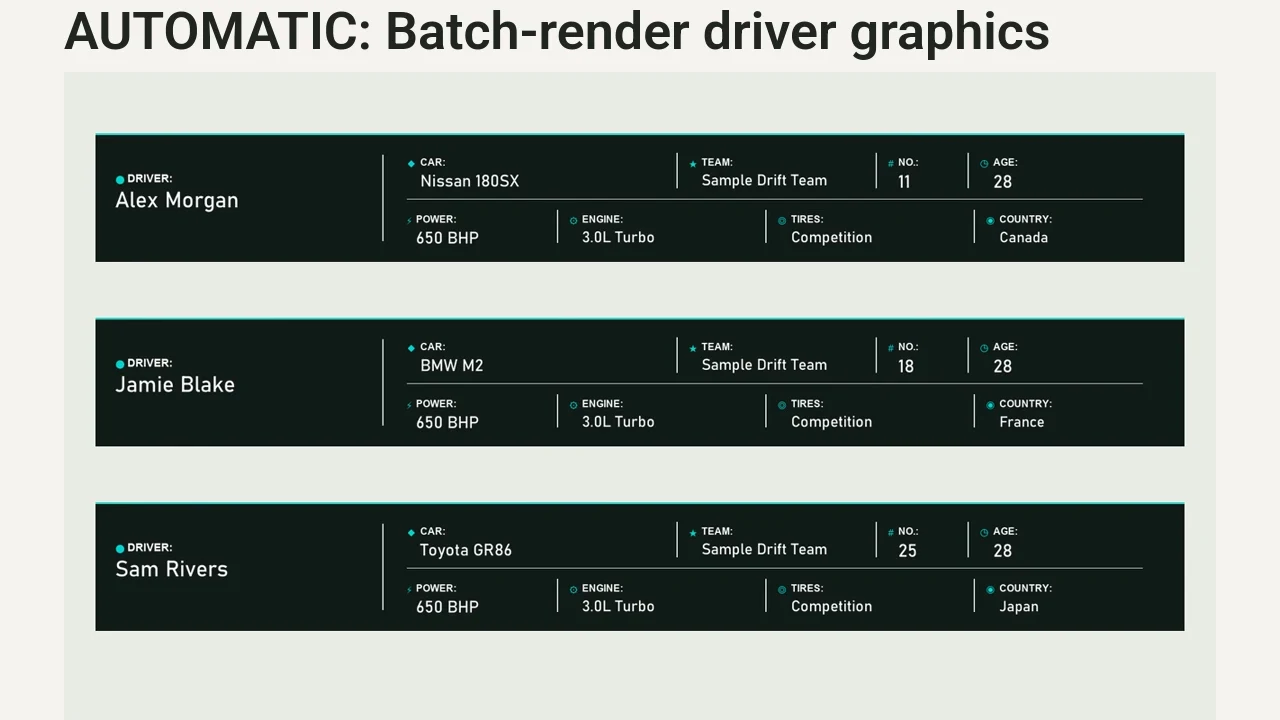
Prepare your driver list, images and branding. Generate driver cards, lower thirds and vertical panels together as PNG exports, then review them before use.

Automates: Batch graphics generation from prepared driver data.

Choose your option USD / once

Organizers

Manage applications, event entries, payments and server presets.

3 modules
1h guided setup option

Server Preset Manager

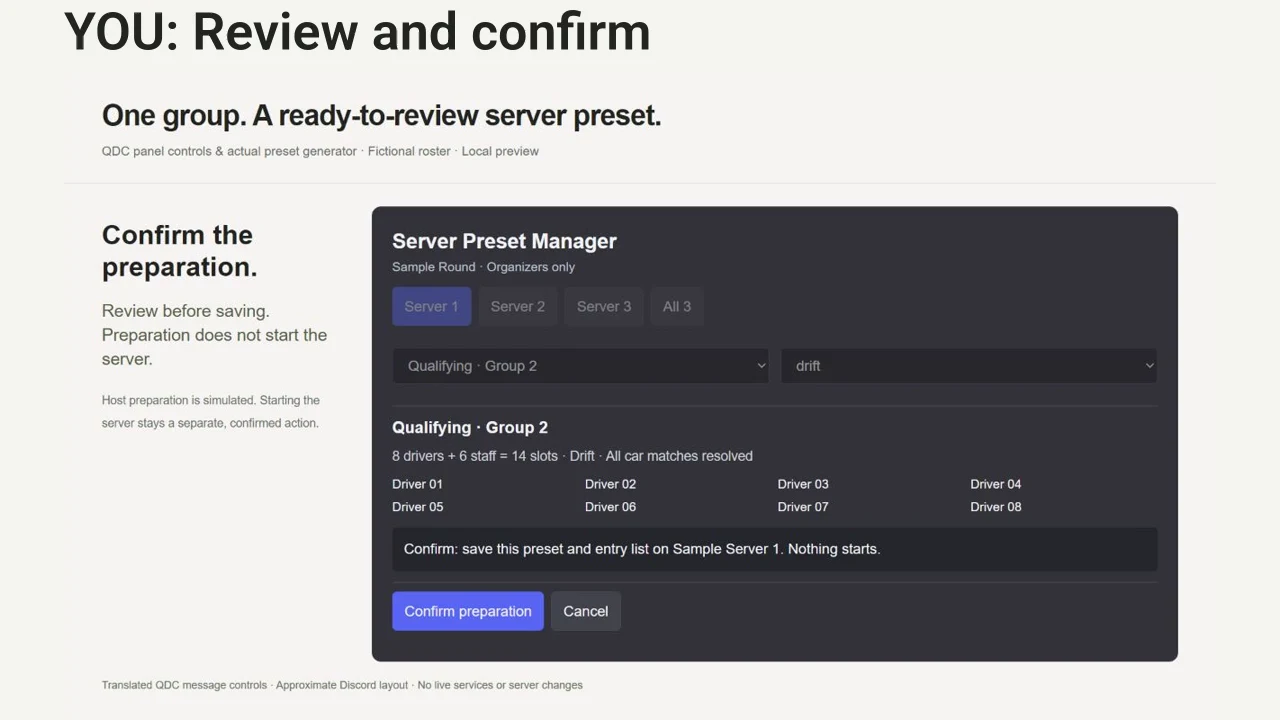
Choose your event groups. The manager builds presets and entry locks from your live Sheet and configured driver records. Review the changes, then deploy to your host.

Automates: Preset generation and configured driver/staff entry lists.

Required modules: Live Judging · Applications & Event Registration

Choose your option USD / once
2h guided setup option

Applications & Event Registration

After staff approval, drivers register through Discord. The bot reuses their application profiles, sends confirmations and records entries in your Sheet.

Automates: Profile reuse, confirmation messages and Sheet records.

Choose your option USD / once
1h guided setup option

Payments & Refunds

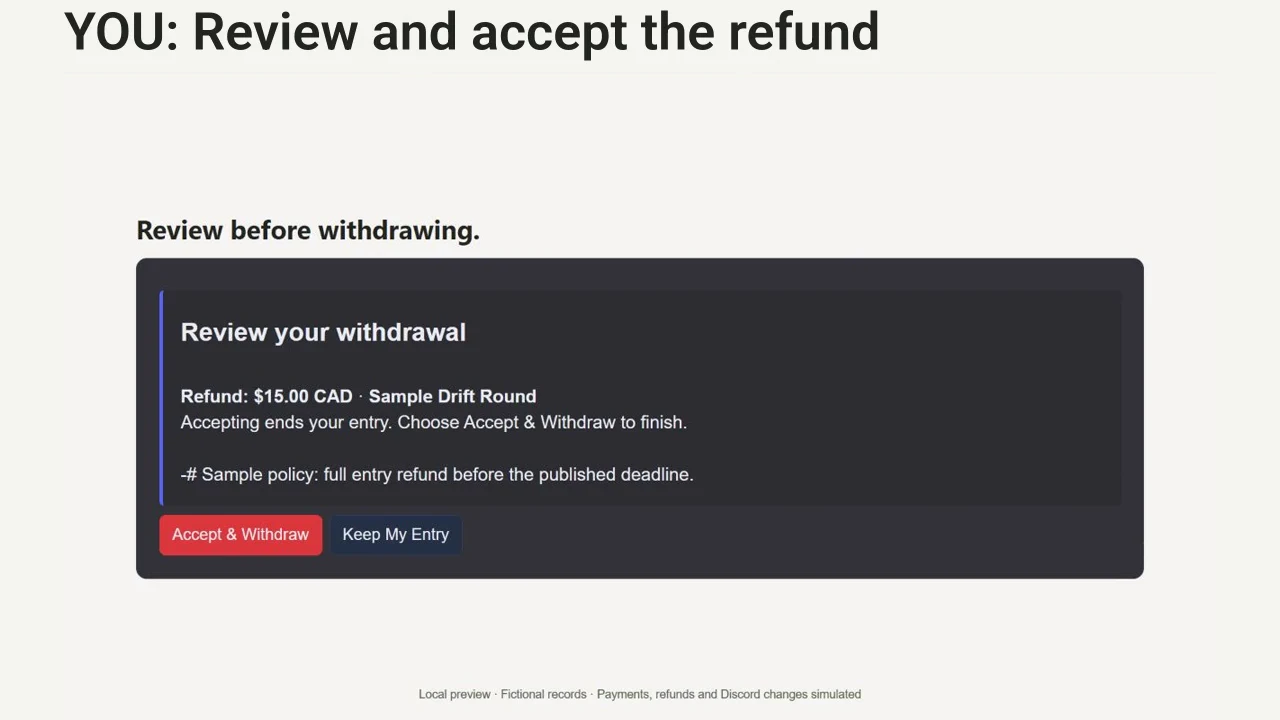
Drivers pay through Stripe checkout in Discord. The system matches each payment to its driver and event. Staff review refunds under your published policy.

Automates: Payment matching and duplicate-checkout protection.

Required modules: Applications & Event Registration

Choose your option USD / once

Marshals

Call drivers, coordinate groups and move people through the event.

4 modules
1h guided setup option

In-Game Announcer

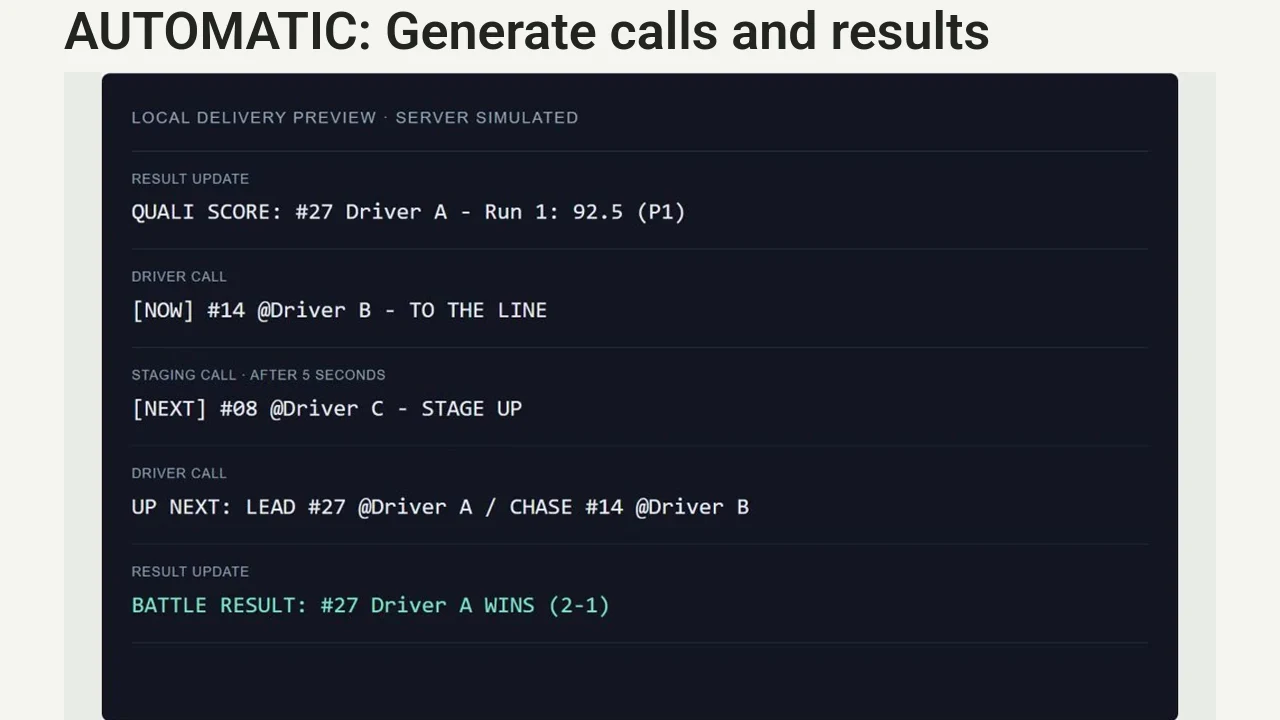
Select the current driver and score the event in your live Sheet. The announcer sends driver calls and supported results to server chat.

Automates: Current and next-driver calls, qualifying scores and battle-result messages.

Required modules: Live Judging

Choose your option USD / once
1h guided setup option

Role Sync

Update your live judging Sheet. The bot assigns configured qualifying or battle roles in Discord and removes managed roles when they no longer apply.

Automates: Configured competition-role assignments and removal.

Required modules: Live Judging

Choose your option USD / once
1h guided setup option

Discord Voice Control

Choose the driver role and destination. The bot moves connected drivers as a group, optionally plays your recorded cue and logs the outcome. Larger moves require confirmation.

Automates: Group voice moves, optional reminder playback and outcome logs.

Choose your option USD / once
1h guided setup option

Discord Group Announcer

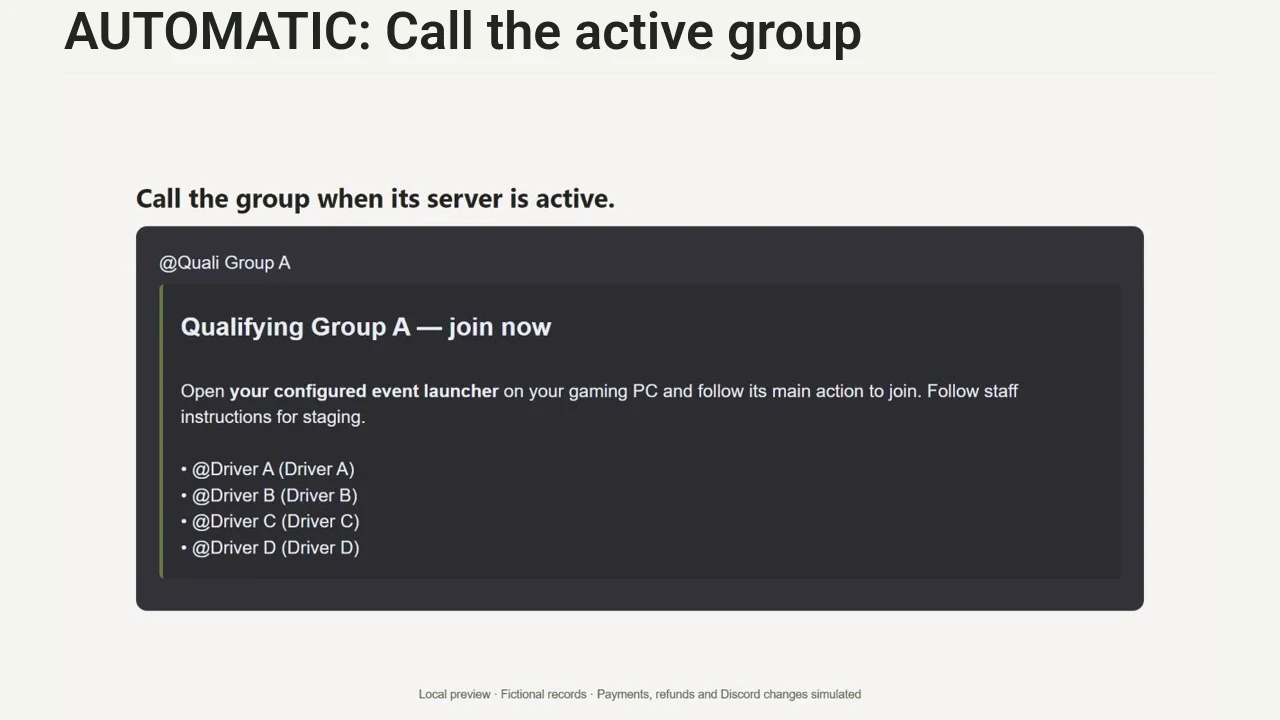
When the active server changes to a configured qualifying or battle group, the bot posts the matching role mention and driver list in your chosen Discord channel.

Automates: Group-call messages from configured server-status changes.

Choose your option USD / once

Inspectors

Collect car submissions, review quick checks and help drivers prepare.

2 modules
1h guided setup option

Car Submission

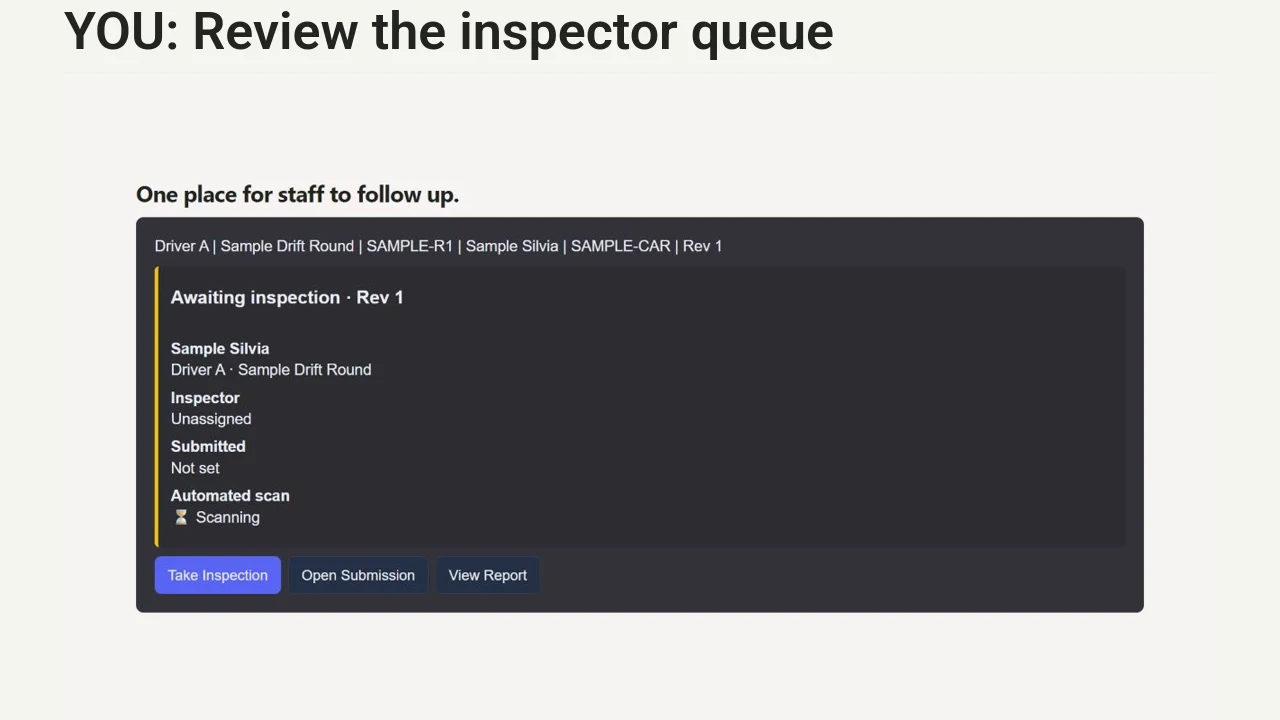
Drivers send car links and notes in Discord. The system ties submissions to drivers and events, tracks revisions and queues staff review. Automated checks and repairs are a separate module.

Automates: Submission records, revision tracking and the staff review queue.

Choose your option USD / once
1h guided setup option

Car Quick Scan & Auto-Fix

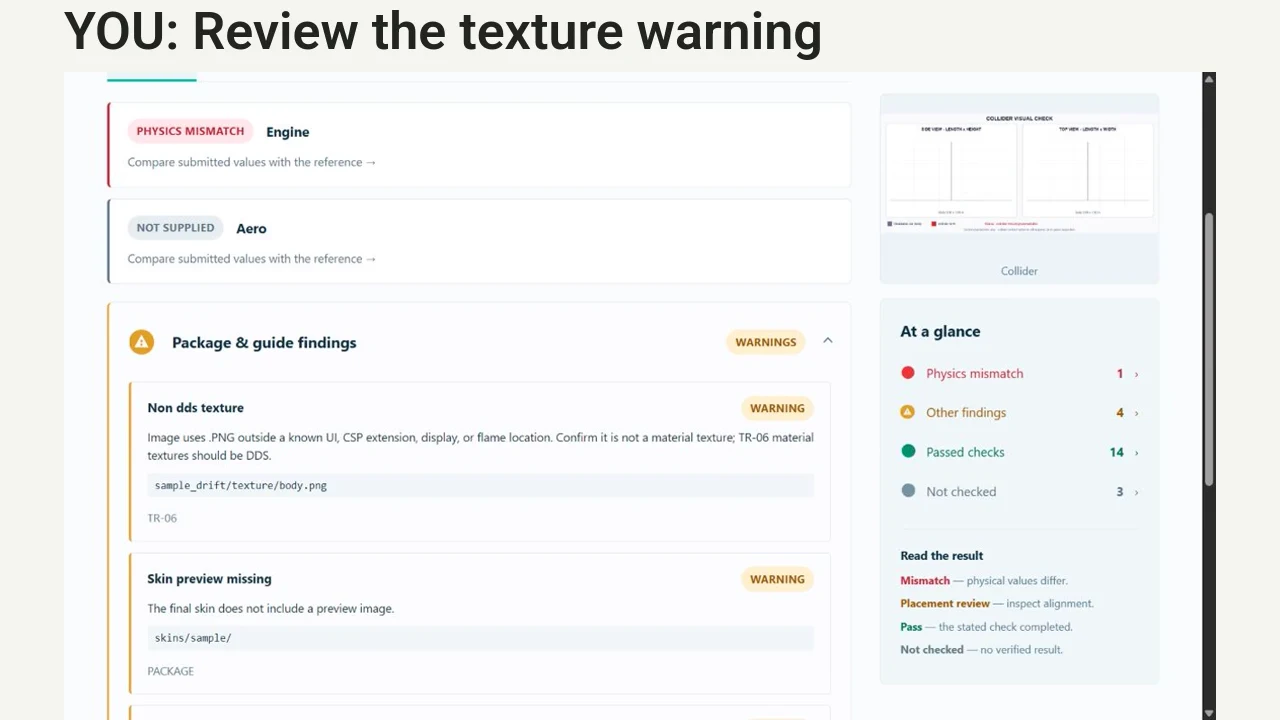
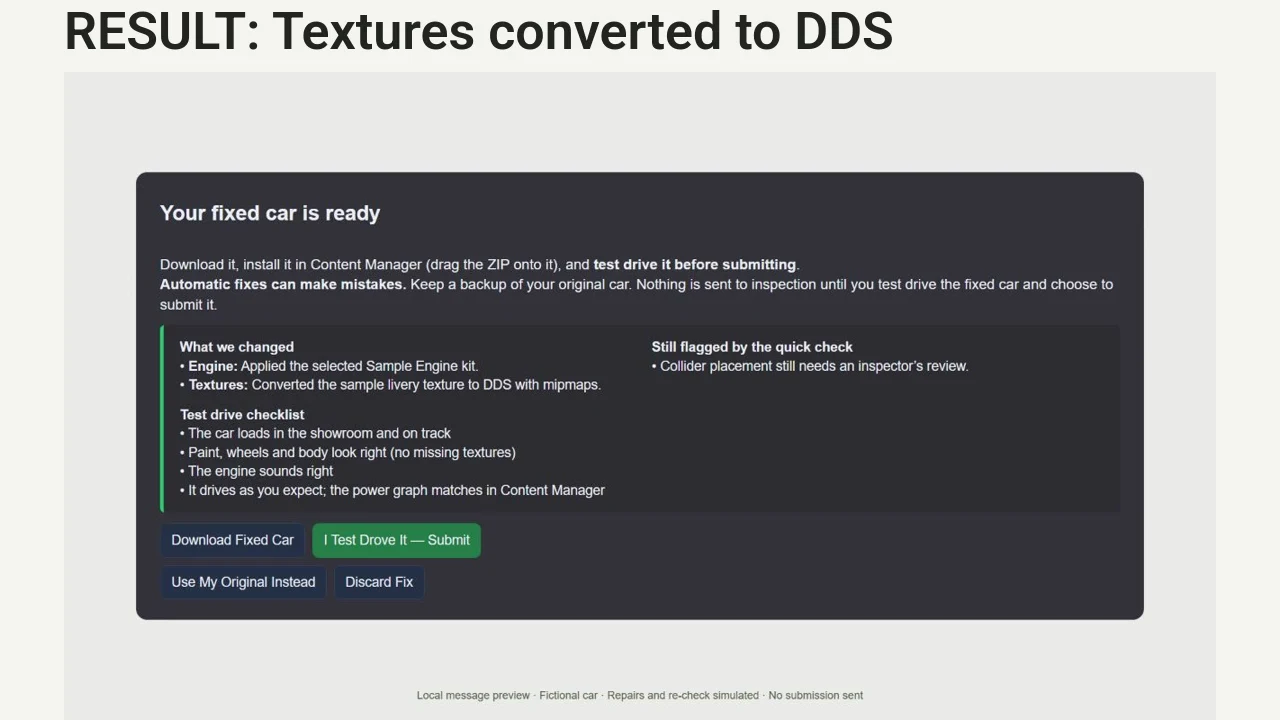
Submit a car for automated checks against configured references. Fix It For Me applies supported corrections to a copy and re-checks it. Drivers test drive; your inspector decides.

Automates: Supported car checks, repairs on a copy and output re-checks.

Required modules: Car Submission

Choose your option USD / once

Social Media

Announce your event and grid, share podiums and results, and turn replays into vertical videos.

3 modules
1h guided setup option

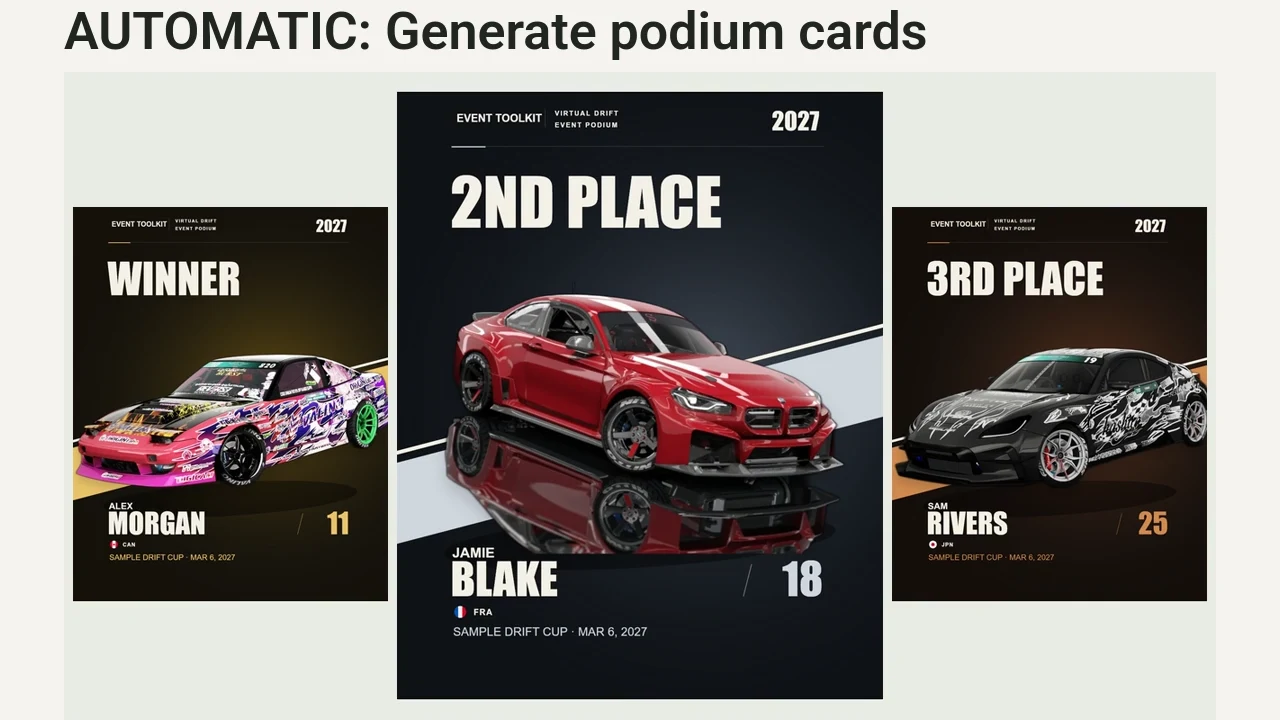
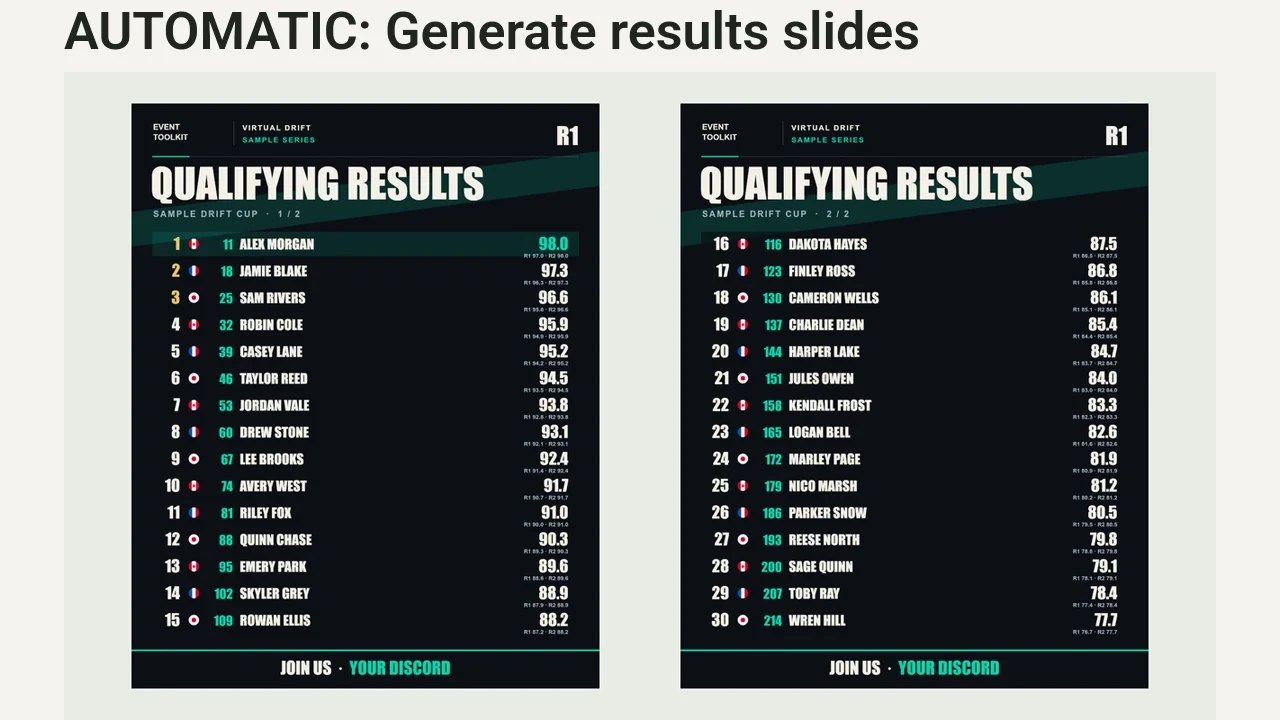
Podium & Results Graphics

Confirm your results in Live Judging. Generate podium cards and results carousels from the event data, then review the PNGs before sharing.

Automates: Podium, qualifying, bracket and standings graphics generation.

Required modules: Live Judging

Choose your option USD / once
1h guided setup option

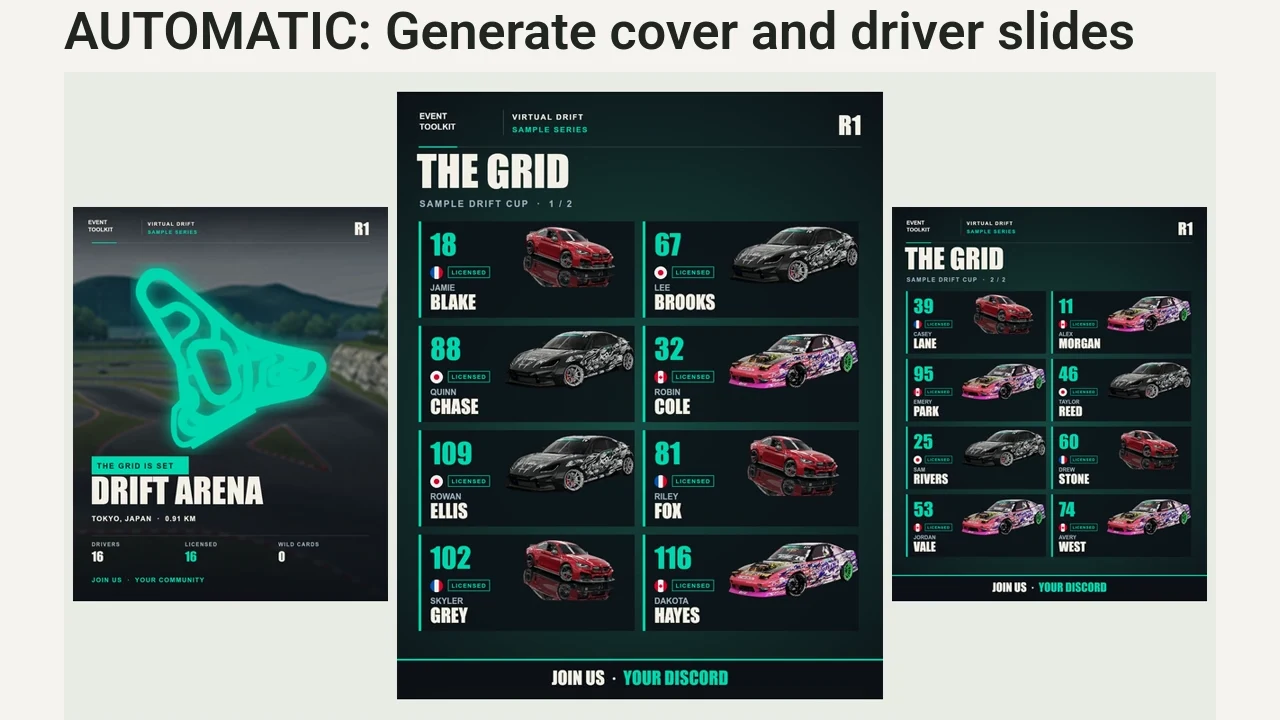
Grid & Event Announcements

Prepare your confirmed roster, event details and assets. Generate an event announcement and The Grid Is Set carousel, then review and share the PNGs.

Automates: Track covers and driver roster-slide generation.

Choose your option USD / once
1h guided setup option

Vertical Replay Recaps

Provide reviewed footage and matching results. The renderer builds Top 3 qualifying recaps and paired battle reels with driver labels. Your team reviews and posts the videos.

Automates: Vertical video assembly, driver labels and result cards.

Choose your option USD / once

Free practical resources

Plan it. Run it. Grow it.

Explore all guides ↗

Plan a smoother event, keep the competition clear and help more people discover it. Practical guides to running your rounds, sharing driver stories and preparing the next announcement.

From your first inquiry to the start line

Your event. Your accounts.

Choose your tools.
Set up for your competition.

  1. 01

    Pick your modules

    Choose what solves your problem. Choose software only or guided setup for each module. We check dependencies and compatibility.

  2. 02

    Send your details

    Share your logo, colors, event format and the accounts you will use before setup.

  3. 03

    Install your tools

    Set up yourself, or choose guided setup for installation and a staff walkthrough on a call.

  4. 04

    Run your event

    You run the tools and keep your data. Book more help when you need it.

A little extra support

Time with us, when you want it.

Consulting

Event format, judging, technical inspection or broadcast.

$80 / hour

Extra setup time

Book installation help or extend a guided setup session.

$60 / hour

Before the green light

Good questions.

A few things to know before
we build your toolkit.

What is Event Toolkit?

Event Toolkit is a modular set of software and setup services for Assetto Corsa drift competition organizers. Choose tools for judging, OBS overlays, replays, server presets, Discord entries and car checks.

What do I receive when I buy a module?

Both options include the current module version for one organization. Software only excludes installation calls; we confirm self-install readiness before purchase. With guided setup includes installation on your accounts, your branding and a staff walkthrough: one hour per module, or two hours for the core bot.

Do you host anything for us?

No ongoing hosting for the purchased tools. They run on your accounts and computers. Each module lists what you need; any third-party hosting or account fees are yours.

Do we get updates?

You get the version current when you buy. Ongoing updates and maintenance are not included. Installation help is available at $60 per hour; competition consulting is $80 per hour.

Can we use our own branding?

Yes. With guided setup, send your logo and colors and we apply them during the session. With software only, your team handles configuration.

Is it only for drift?

It is built for Assetto Corsa drift: qualifying runs, lead and chase battles, and One More Time. Tell us about other formats so we can check whether presets, replays or car checks fit your workflow.

Can we share it with another league?

Each purchase licenses one organization to use the tools for its own events. Sharing or reselling the tools to another organization is not included.

What if we need more than one hour?

Guided setup includes one hour per module, except the core bot, which includes two. Software only includes no installation calls. You can add setup time at $60 USD per hour; we agree on the scope first.

How does the bundle discount work?

Select three or more modules for an additional 20% off the current software prices. You can mix software-only and guided-setup options. Required modules count when selected. All setup hours and consulting are charged separately from the software discount.

Pay once

One-time module purchases.
No toolkit subscription.

Yours to run

Your Google Sheet, Discord and server host. You operate it and own your data.

Choose your setup

Install it yourself, or add guided setup with your branding and a staff walkthrough.

Make the next event yours

Get your next
event ready.

Tell us about your competition and the modules you are looking at. We will confirm your options and requirements, and arrange a setup call if you choose one.

Use the form to get in touch. We will reply to the email address you provide.

Start the conversation.

Tell us where to reply. Your selected modules, software-only or guided-setup choices, and estimate are included automatically.

By sending, you share these details with us to answer your inquiry. We will reply by email to confirm your requirements and next steps. This does not make a payment or confirm a booking. Privacy and inquiry details.