1. Decide who you want to bring in
More entrants and more viewers are different goals. For the next round, choose the audience you want to help: first-time competition drivers, experienced teams, or people who already watch your stream.
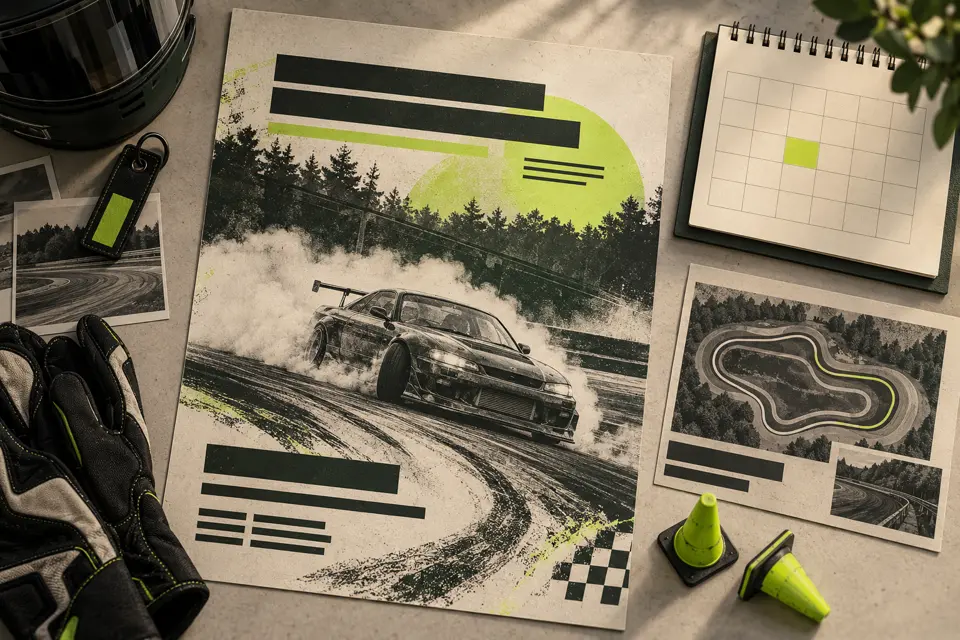
Explain the format, expected experience, car requirements and schedule in plain language. A driver should be able to decide whether the event fits before asking a staff member. Link to your rules and an example of how a round works.
2. Make one next step obvious
Choose one current entry destination and use it consistently in your announcements, stream description and community posts. Explain what happens after someone follows the link: joining Discord, applying, receiving staff approval and registering for the event.
Applications & Event Registration reuses approved driver profiles, sends confirmations and records entries in your Sheet. It reduces repeated administration; staff still decide which applications to approve. Review the entry journey with someone who has never used it before.
3. Show the competition and the people in it
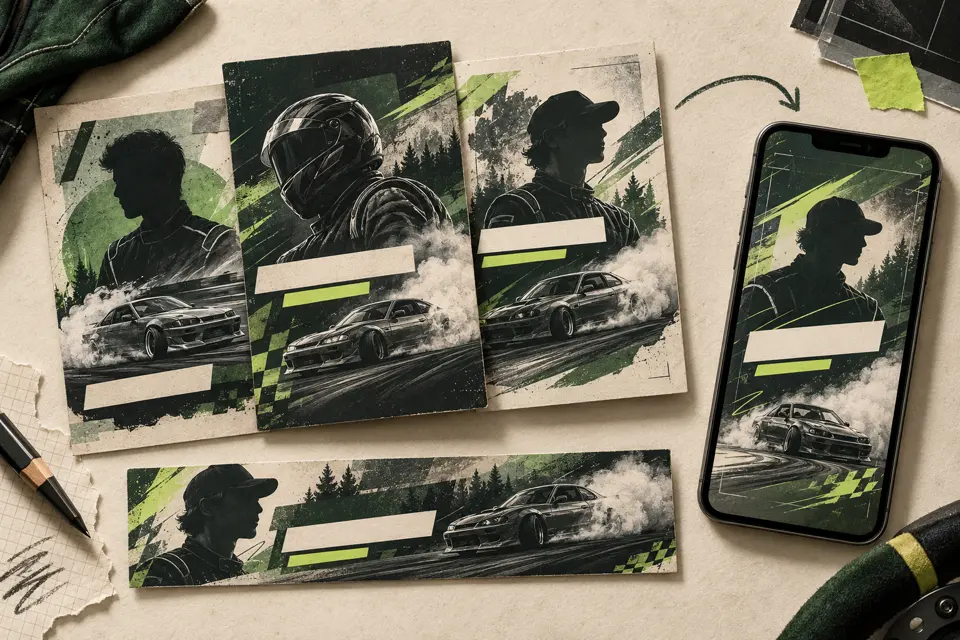
Use an event announcement to explain what is coming, a confirmed-grid carousel to introduce the roster, and a reviewed recap to show the driving. Give each post a different purpose and include the next useful action in its caption.
Grid & Event Announcements generates announcement and confirmed-roster graphics from prepared inputs. Driver Graphics Pack generates driver visuals. After official results are confirmed, Podium & Results Graphics and Vertical Replay Recaps can provide still images and reviewed video exports. Your team checks and shares them; these tools do not automatically post to social networks.
4. Learn from the next round
Keep a small record of inquiries, applications, approved entries and returning drivers. Ask new entrants where they heard about the event. A busy post is not the same as a confirmed entry, and registration numbers alone do not explain why someone returned.
Choose one improvement for the following round: clearer requirements, an easier entry link, a better introduction for newcomers or more consistent event coverage. There is no guaranteed growth figure; judge changes against your own records.
Before your next event
Readiness checklist
Tick these as you prepare, or print a copy for your team. This site does not save your ticks.
Keep the checklist
A simple copy for your team, ready to open in Google Sheets or Excel.
Common questions
Will generating more graphics guarantee more entries?
No. Graphics can help explain and present an event, but growth depends on the audience, entry requirements, community and event experience. Compare your own inquiries and confirmed entries.
Do the social modules publish the posts for us?
No. They generate supported graphics or video exports from prepared inputs. Your team reviews the results, writes captions and publishes them.