1. Give the spotlight a reason to exist
Introduce a confirmed entrant, welcome a team, explain a result or revisit a strong qualifying run. Tell viewers who the driver is, which event the graphic belongs to and where they can watch or find the next round.
Keep the message specific. A driver introduction does not need a podium claim, and a promotional card should not imply an official result. Ask drivers which public name, team and sponsor details they want represented.
2. Prepare the driver information once
Keep driver identity separate from the image filename. Check the displayed name, number, country, team and agreed sponsor details against your prepared list, and map the right car image to the right person. Use images and branding that your team is allowed to publish.
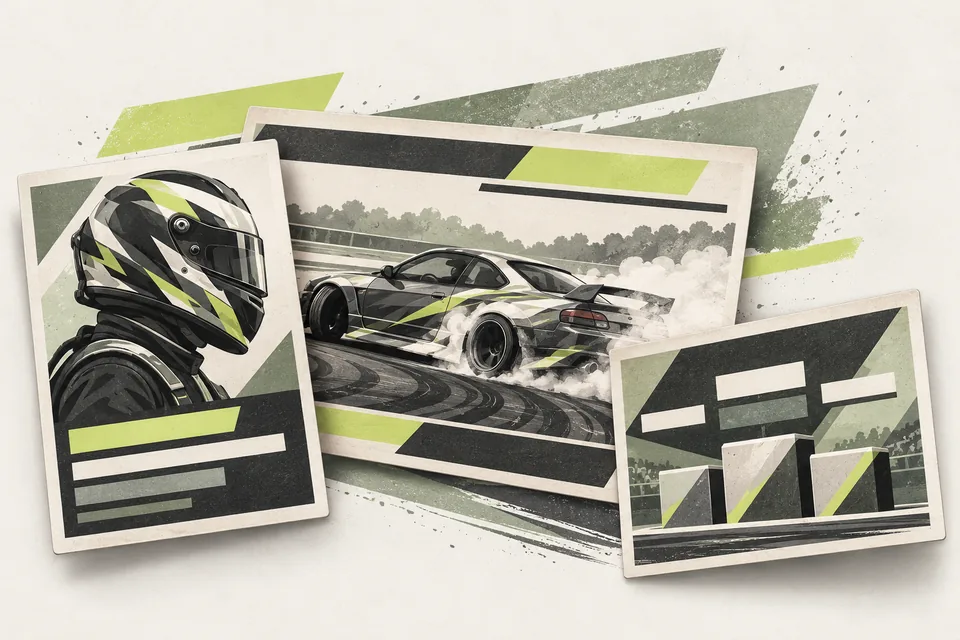
Driver Graphics Pack batch-generates driver cards, lower thirds and vertical panels as PNG exports from prepared CSV/JSON data, images and branding. Review a small sample first, then render the full set. It does not find images or verify driver identity for you.
4. Follow the introduction with the actual event
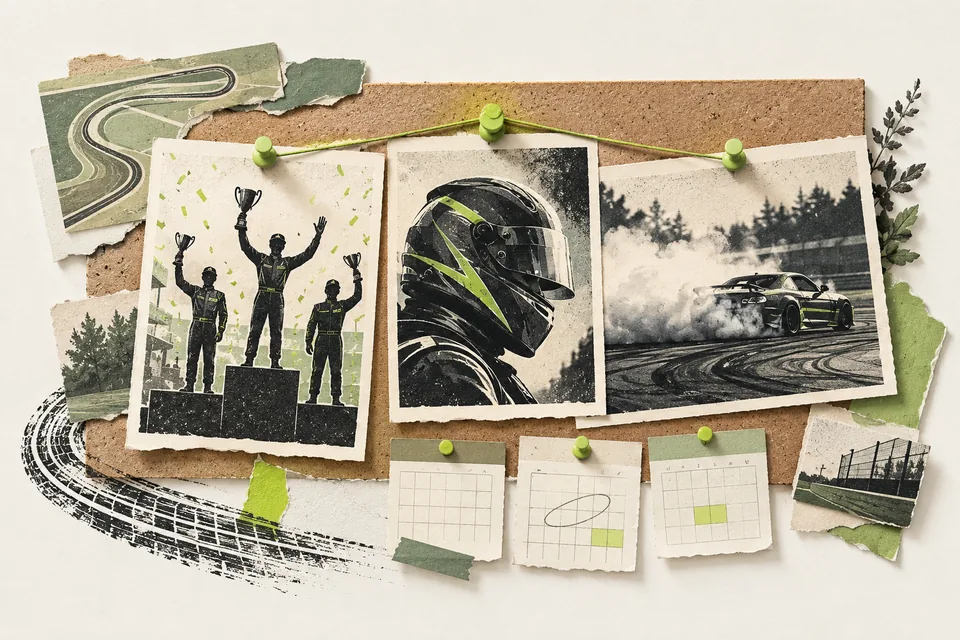
After results are official, Podium & Results Graphics generates supported podium and results exports from Live Judging data. Vertical Replay Recaps assembles supported qualifying recaps and paired battle reels from reviewed footage matched to the exact drivers, runs and results.
Check the complete export before giving it to a driver. Review names, placement, footage and framing, and choose any soundtrack separately for silent video exports. Your team publishes or hands over the files; the tools do not automatically tag drivers, schedule posts or report social reach.
Before your next event
Readiness checklist
Tick these as you prepare, or print a copy for your team. This site does not save your ticks.
Keep the checklist
A simple copy for your team, ready to open in Google Sheets or Excel.
Common questions
Does Driver Graphics Pack publish to drivers’ social accounts?
No. It generates PNG exports from prepared data and assets. Staff or drivers choose where and when to share the approved files.
Can we turn a driver card into an official result graphic?
Use the proper confirmed result source and a supported results layout. Podium & Results Graphics requires Live Judging; a driver introduction alone is not evidence of a finishing position.