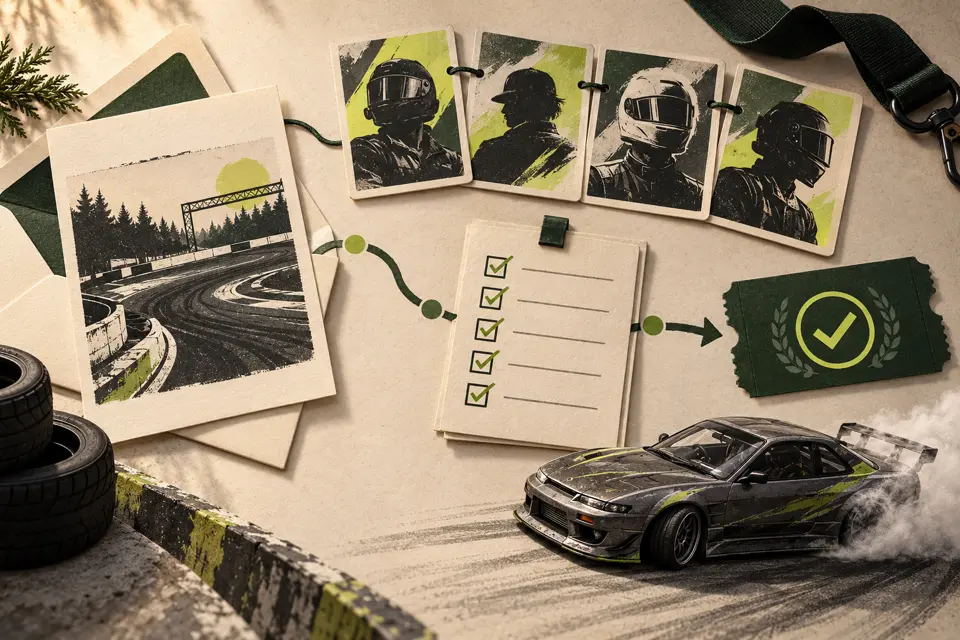
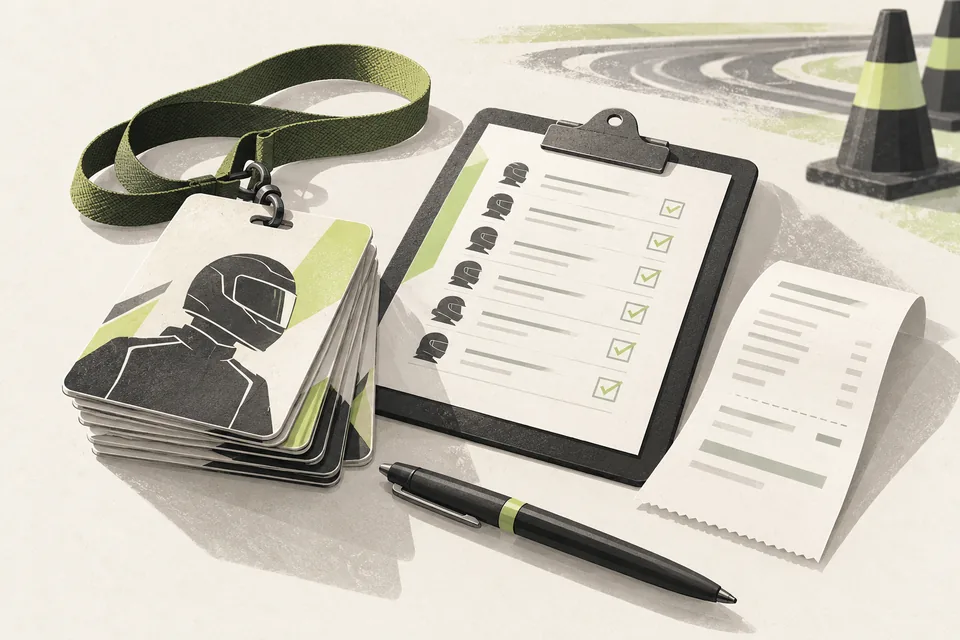
1. Agree on the details before the announcement
Confirm the track, event date, time zone, competition format and entry opening. Make it clear whether a date refers to practice, qualifying or the main broadcast. Link to the full rules and car requirements rather than squeezing every condition onto the artwork.
Keep those details in a short event brief that staff can check. If something is still undecided, say so in the announcement instead of presenting a draft as confirmed.
2. Separate the announcement from the entry opening
A save-the-date introduces the event. An entries-open post tells drivers what action they can take now. Give each a clear caption with one current entry link and explain whether submitting an application immediately secures a place.
With Applications & Event Registration, staff review applications and approved drivers register through Discord using their saved profiles. Explain your actual approval and confirmation process in the post; the graphic itself does not collect entries.
3. Generate the artwork from prepared inputs
Grid & Event Announcements generates an event announcement and The Grid Is Set carousel. Supply the event details, branding, mapped driver/car images and compatible installed track preview and map assets. Check supported input formats before building a publication schedule around them.
Use a confirmed roster for the grid reveal. Review every name, number, flag, team and car image before sharing the PNGs. Driver Graphics Pack can provide separate driver cards and vertical panels from a prepared list and images when you want to introduce individual entrants.
4. Keep changes easy to follow
Store approved exports together with their event brief. Give one person responsibility for publishing and correcting announcements. If the date or roster changes, update the source details, regenerate the affected assets and explain the correction where you shared the original.
Do not describe an unreviewed grid as final. A short, accurate announcement is more useful to drivers than a larger campaign with conflicting information. Your team chooses publication timing and posts the finished exports manually.
Before your next event
Readiness checklist
Tick these as you prepare, or print a copy for your team. This site does not save your ticks.
Keep the checklist
A simple copy for your team, ready to open in Google Sheets or Excel.
Common questions
Can we reveal the grid while applications are still under review?
Publish a grid only from the roster you have actually confirmed. If you share a provisional list, label it clearly and explain how it may change.
Does Grid & Event Announcements require the registration module?
No. It uses a prepared confirmed roster and event assets. Applications & Event Registration is a separate tool for the entry workflow.