1. Give the video one clear story
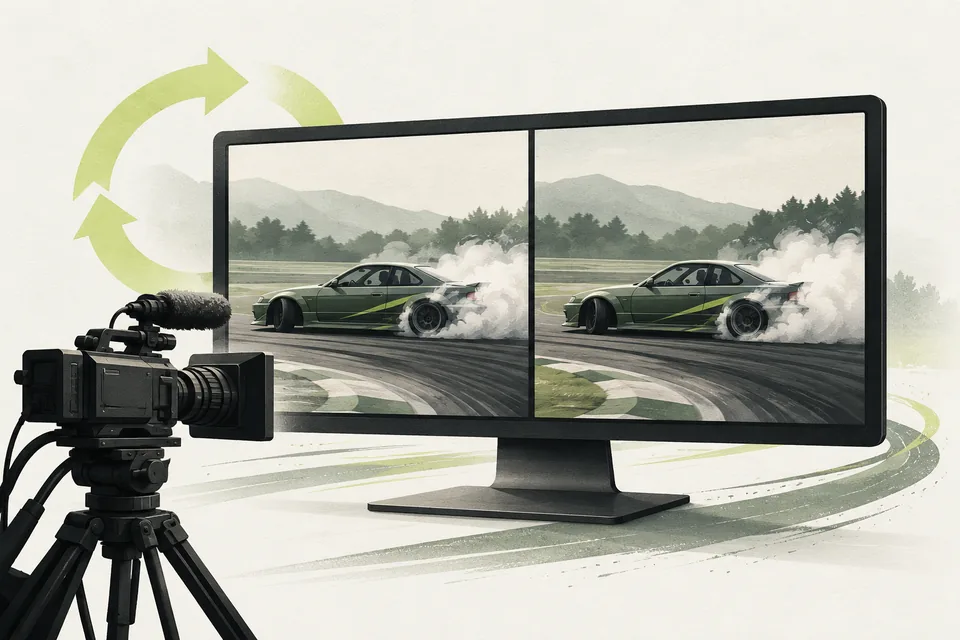
Show a strong qualifying comparison or the two sides of a battle. Tell viewers which event they are watching and which drivers are involved.
Keep the purpose simple. A short recap should help someone understand the driving without needing to watch the entire broadcast first.
2. Check the footage against the result
Confirm that each clip belongs to the intended driver, run and event. If a battle went One More Time, use the correct deciding exchange.
Watch the full export before posting. Check the names, result, framing and ending, then choose a soundtrack you are allowed to use.
3. Reuse a layout for the next recap
Vertical Replay Recaps prepares vertical MP4 videos from reviewed footage and matching result records. Supported layouts include a Top 3 qualifying recap and paired battle footage with result information.
Exports are silent so your team can choose the audio when preparing the post. The tool handles repeated layout and rendering work; staff still select and approve the material.
Replay Recorder + Side-by-Side and Live Judging can help supply the footage and records. We check your existing inputs and supported export scope before purchase.
Before your next event
Readiness checklist
Tick these as you prepare, or print a copy for your team. This site does not save your ticks.
Keep the checklist
A simple copy for your team, ready to open in Google Sheets or Excel.
Common questions
Does this module post videos automatically?
No. It generates video files for staff to review and share. You choose the soundtrack and publication timing.
Do we have to buy your replay recorder?
Not automatically. We check whether your existing replay files and result records fit the supported workflow. Compatible, correctly matched inputs are required; arbitrary video files are not guaranteed to work.