1. Give each post a purpose
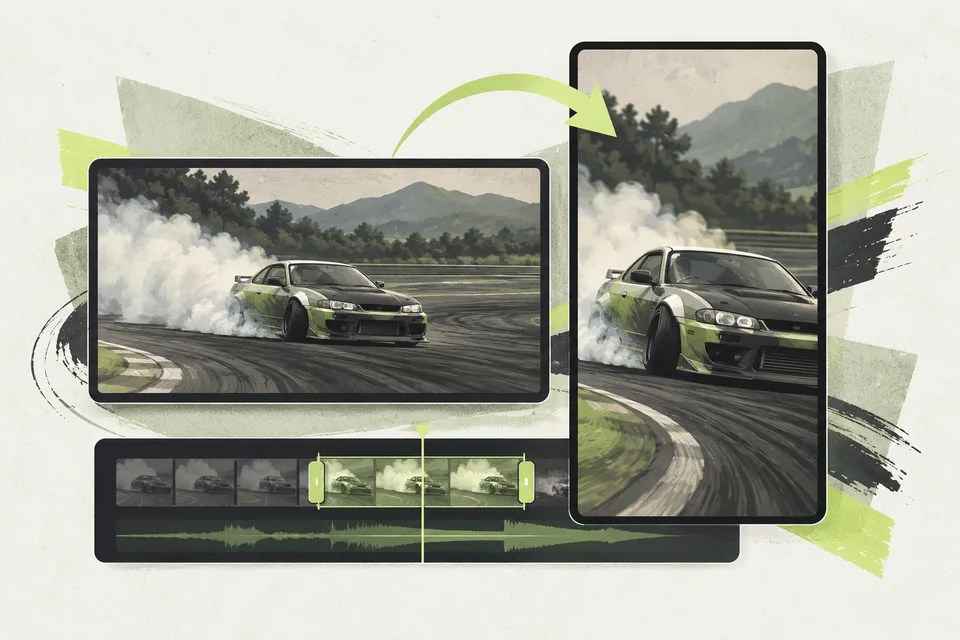
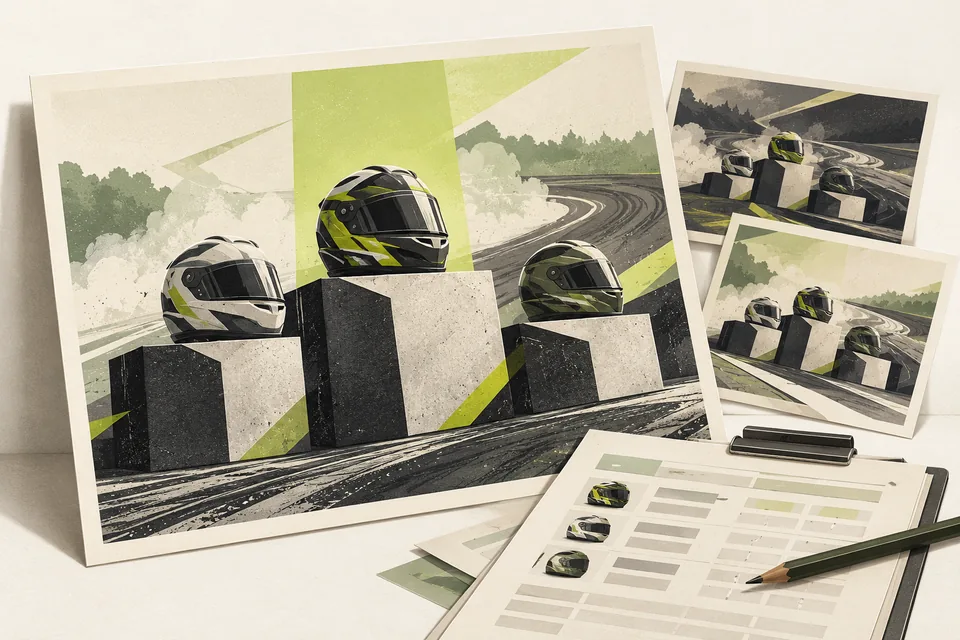
A result graphic answers who finished where. A replay shows how a moment unfolded. A driver card helps viewers remember the person they watched.
Choose a few posts that complement each other. Avoid repeating the same result in every format simply because you have more templates available.
2. Assign one final review
Decide who checks driver names, round labels and official results before anything is shared. Keep a clear distinction between drafts and approved exports.
Choose publication timing that your team can manage. Add a short explanation for viewers who missed the live show, including where they can find the full event.
3. Prepare the assets from reusable inputs
Event Results Graphics turns supported competition data into shareable images. Vertical Replay Recaps prepares supported vertical videos from reviewed footage and matching results.
Driver Graphics Pack creates driver visuals from a prepared list and images. The value is in repeating the production work consistently; your team still chooses the story, checks the export and publishes it.
Before your next event
Readiness checklist
Tick these as you prepare, or print a copy for your team. This site does not save your ticks.
Keep the checklist
A simple copy for your team, ready to open in Google Sheets or Excel.
Common questions
Should every battle become a social post?
Choose moments that serve your audience and that your team can review properly. There is no need to publish every available export.
Will the tools publish the posts for us?
No. These offerings produce files for staff to review and share. Account access, scheduling and automatic posting are outside their stated scope.