1. Agree on the placement before making graphics
Confirm the sponsor name, supplied artwork and the places it should appear. Keep driver sponsors distinct from event partners so the graphics reflect the intended relationship.
Assign one person to approve the details. A late spelling correction becomes much easier when everyone knows which version is current.
2. Keep the competition readable
Check the finished graphic at the size viewers will actually see. Driver names, scores and the active battle still need to be easy to follow.
Use a small number of consistent layouts. If a placement does not fit the supported layout clearly, discuss a different placement before promising it to a partner.
3. Refresh a set instead of editing every card
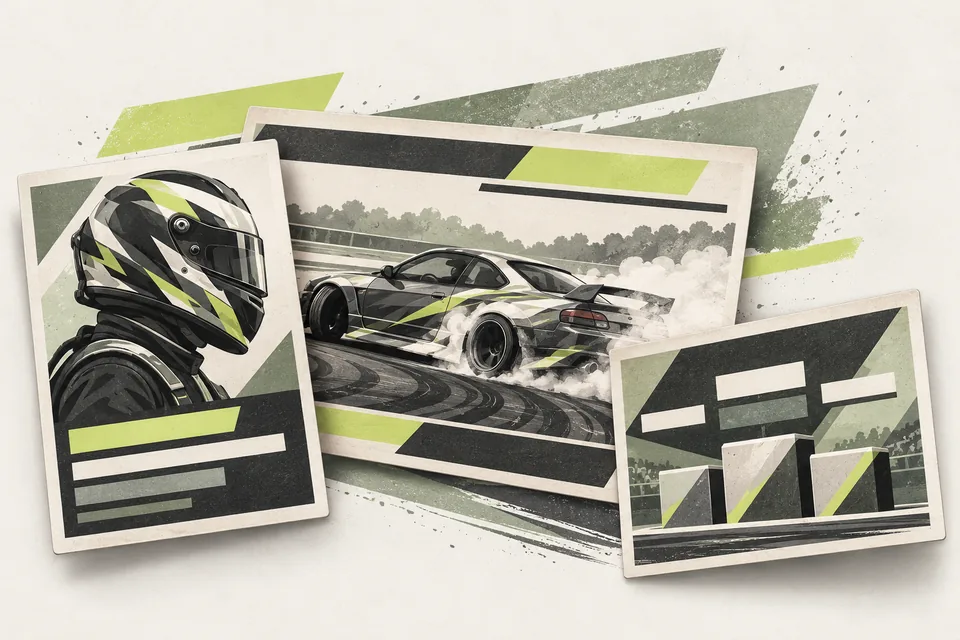
Driver Graphics Pack generates driver visuals from a prepared list that can include team and sponsor details. Updated inputs make it easier to refresh the set when those details change.
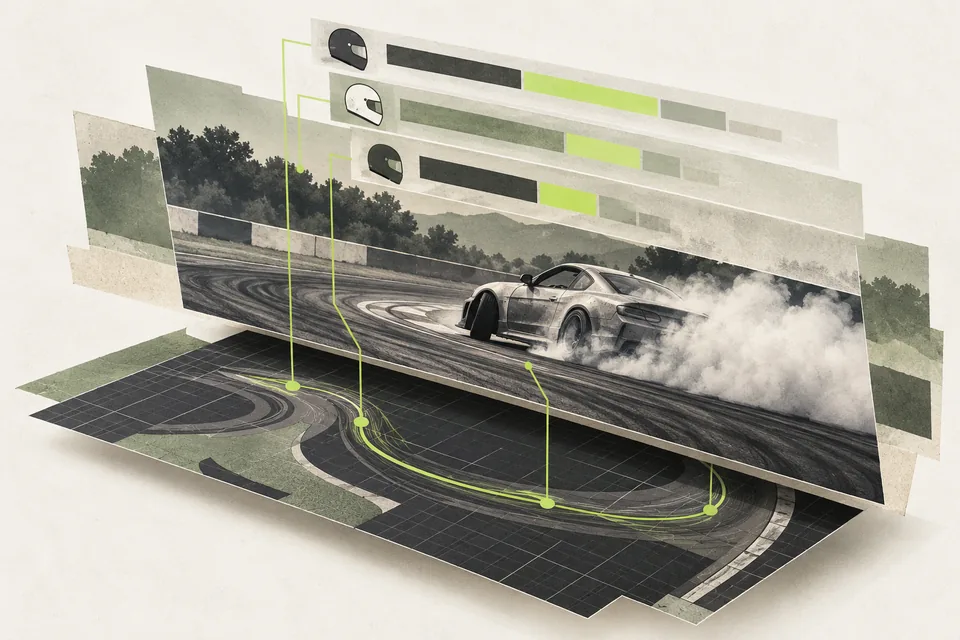
Broadcast Overlays keeps live competition information current, while Event Results Graphics prepares post-event images with the agreed branding. Confirm the supported placements during setup and review the actual outputs before use.
Before your next event
Readiness checklist
Tick these as you prepare, or print a copy for your team. This site does not save your ticks.
Keep the checklist
A simple copy for your team, ready to open in Google Sheets or Excel.
Common questions
Can we promise any sponsor placement?
Confirm the intended placement against the supported layout first. Custom graphics or additional design work may need a separate scope.
Do the modules report sponsor reach or exposure?
No. Their scope is graphic preparation and competition displays. They do not measure views, sponsor exposure or commercial returns.