1. Check the details before designing
Confirm each driver’s competition name, number, team and sponsor information. Collect the car images and branding you want to use before preparing the graphics.
Keeping those details together makes corrections easier. Staff should not have to search several conversations to find the latest spelling or team name.
2. Use one design across the field
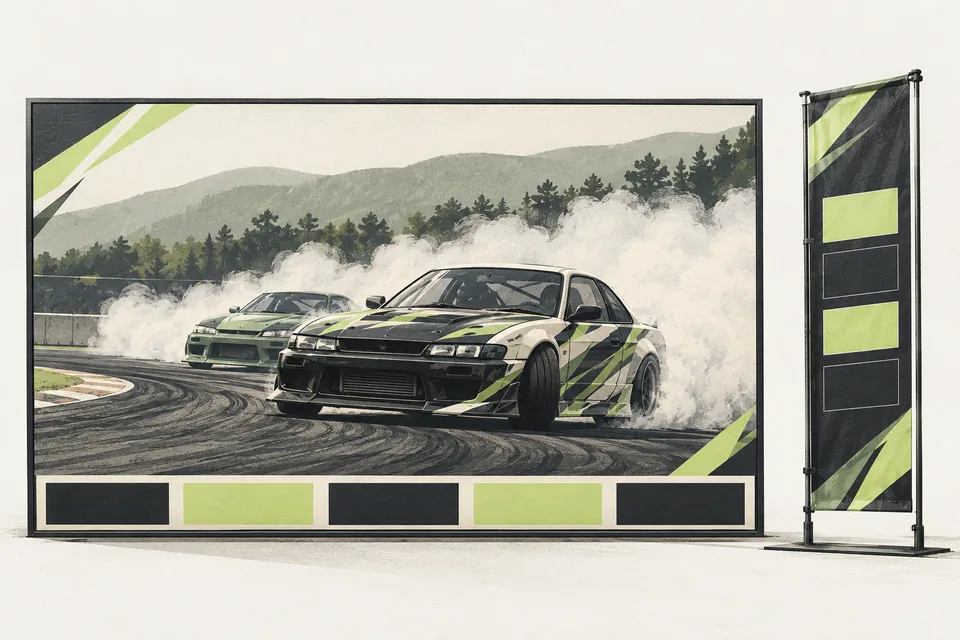
A consistent layout helps viewers recognize the driver quickly. Keep names readable and give car images enough space without hiding the important details.
Review a few examples with long names and different images before preparing the full set. That catches layout problems while they are still easy to fix.
3. Generate the set from your driver list
Driver Graphics Pack generates driver cards, lower thirds and vertical panels from a prepared CSV or JSON list. It exports PNG files for your broadcast and event content.
When details change, update the list and regenerate the graphics instead of editing every design by hand. Your team reviews the exported files before using them.
These are prepared images. For scores and battle results that update during the event, Broadcast Overlays connects separately to Live Judging.
Before your next event
Readiness checklist
Tick these as you prepare, or print a copy for your team. This site does not save your ticks.
Keep the checklist
A simple copy for your team, ready to open in Google Sheets or Excel.
Common questions
Do I need the registration module for driver graphics?
No. Driver Graphics Pack uses a prepared CSV or JSON driver list. We confirm the data format, images and branding needed before purchase.
Do these graphics update scores live?
No. This pack generates image files. Broadcast Overlays is the separate module that follows the live judging Sheet during the event.