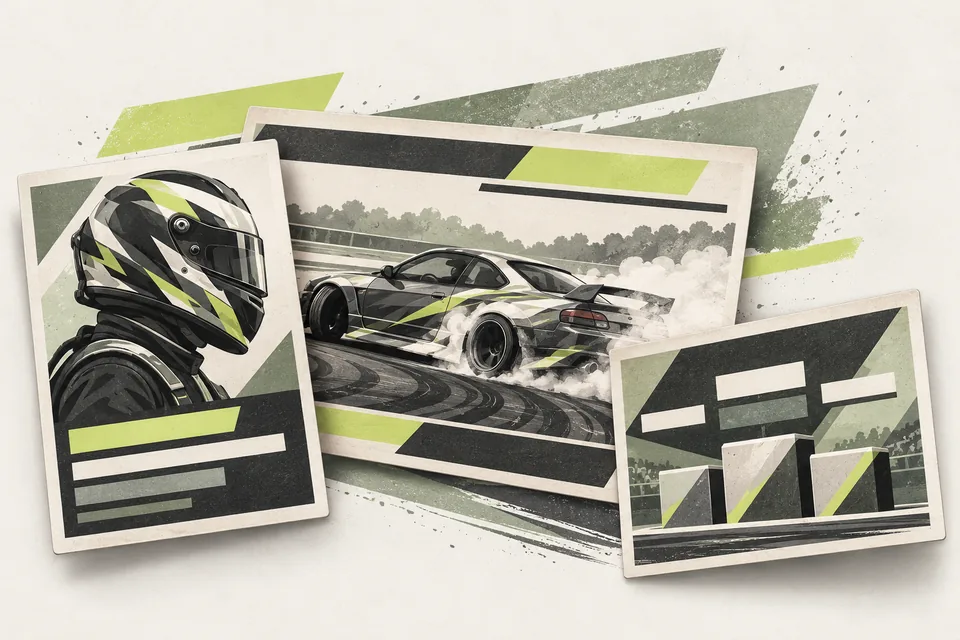
1. Show what viewers need right now
During qualifying, make the driver and score easy to recognize. During battles, show the pair, the round and the result when it is ready.
Keep graphics readable without covering the part of the track viewers need to see. A clear name and result are more useful than a screen full of information.
2. Avoid entering the same result twice
If a score is already recorded by the judges, typing it again for the stream creates another job. That job gets harder when the next driver is ready and commentary needs an update.
Use the judging record as the source for the graphics. Before the event, check a sample score and battle result on the stream so everyone understands how the updates appear.
3. Let the overlays follow the Sheet
Broadcast Overlays provides OBS browser sources that update from your Live Judging Sheet. It includes qualifying graphics and a leaderboard, active battles and results, round labels and season standings.
The broadcast operator spends less time changing text while judges record scores and decisions. Staff still need to keep the selected driver and competition data correct.
Choose guided setup if you want help applying your branding and connecting the sources to your show. Rehearse the updates with your team before going live.
Before your next event
Readiness checklist
Tick these as you prepare, or print a copy for your team. This site does not save your ticks.
Keep the checklist
A simple copy for your team, ready to open in Google Sheets or Excel.
Common questions
Do Broadcast Overlays work without Live Judging?
This module uses the Live Judging Sheet as its data source, so Live Judging is required. You also need OBS for the browser sources.
Will the overlays choose the next driver or make judging decisions?
No. The overlays display competition data. Your operator controls the selected driver, and your judges supply the scores and votes.