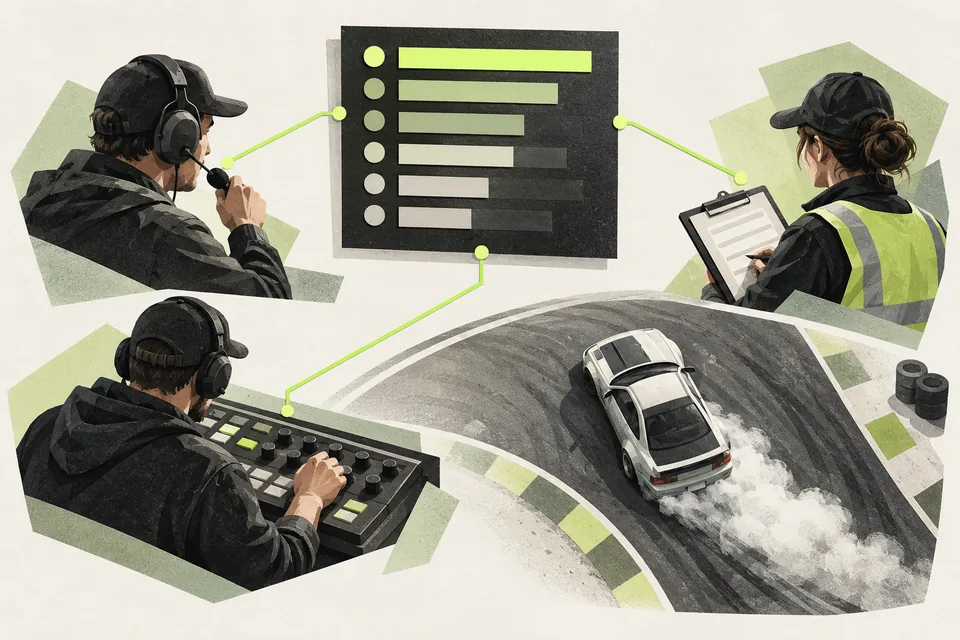
1Prepare the facts before the microphones go live
Agree how to pronounce driver names and confirm driver numbers, teams, cars and the event format. Keep the source of each historical fact available. A dashboard can display supplied context; it cannot create a trustworthy competition history from missing records.
Give each commentator a clear role and rehearse the handoff between the action, a replay and the next pair. Prepare an offline reference for the event format and essential driver details.
2Follow the current driver without rebuilding a notes sheet
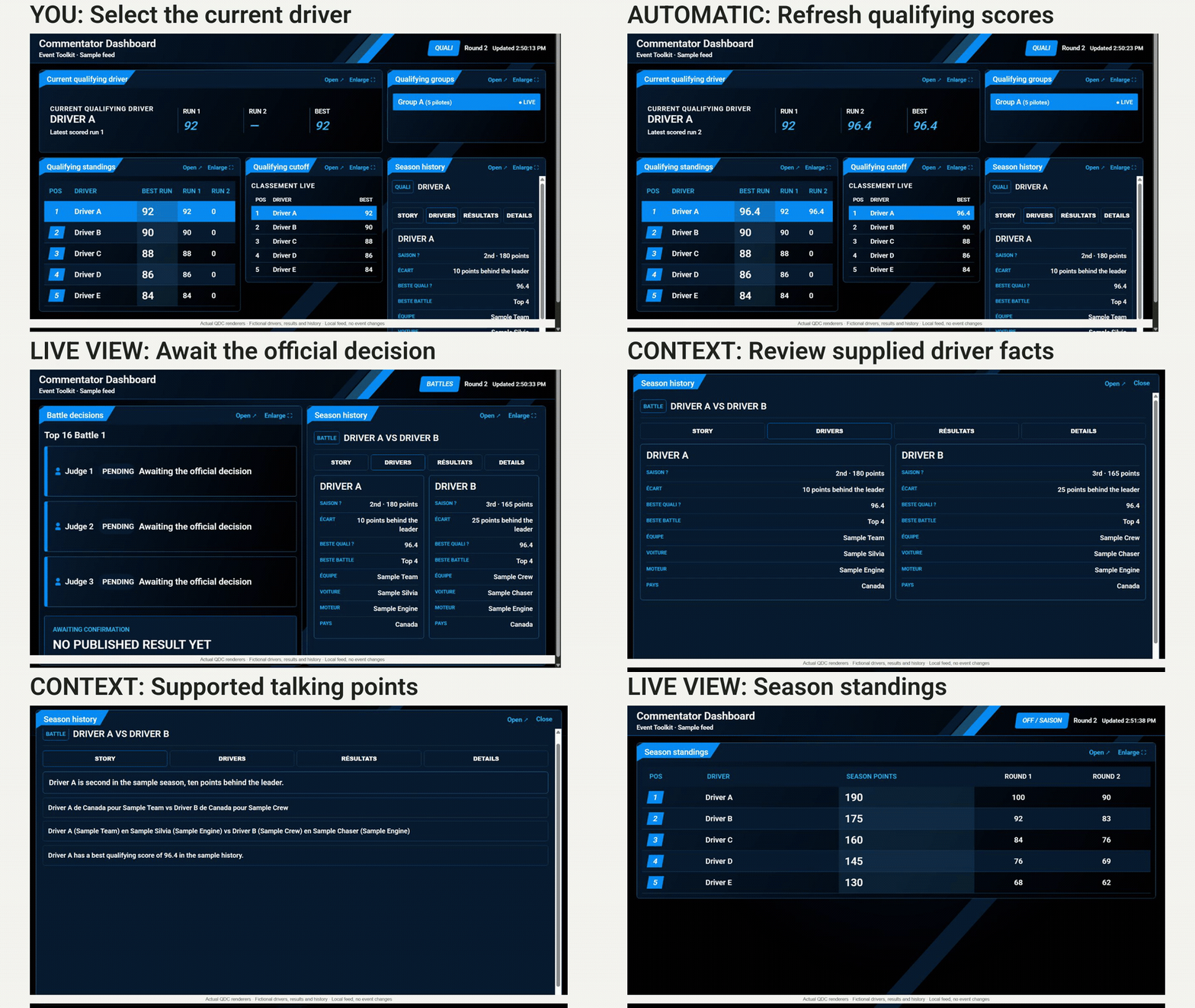
Live Staff Dashboard brings the current qualifying driver, run scores, standings and groups into one browser view. The dashboard refreshes information from your configured live data. Expand a panel when you need to focus on it.
Live Judging supplies the competition information. Staff still select the current qualifying driver and record official scores; the dashboard follows that state rather than choosing the next driver.
3Wait for the published decision
During battles, use the pairing and available history to explain the contest. Pending judge votes are not an official outcome. Wait for the published result before announcing the advancing driver or One More Time.
If an update is delayed, stay with the last confirmed information and ask the event crew. Do not fill a missing result with a guess. The commentator view supports the broadcast; it does not cast votes, change brackets or decide the winner.
4Use context to support the action
Where reviewed driver and season records are configured, Live Staff Dashboard can present useful context and supported talking-point suggestions. Check the underlying facts and choose what fits the moment. Avoid turning a suggested line into a claim about records you have not verified.
The dashboard reduces switching between sources. It does not deliver spoken commentary, guarantee better audience retention or replace the preparation and judgment of your commentators.
Tools in this guide
| Module | What it handles | Requires |
|---|---|---|
| Live Judging | Enter qualifying scores and battle votes in one Google Sheet. | Works on its own |
| Live Staff Dashboard | Keep staff and commentators informed in one read-only browser dashboard: current qualifying driver, scores, published battle decisions and season standings. | Live Judging |
Before your next event
Readiness checklist
Tick these as you prepare, or print a copy for your team. This site does not save your ticks.
Keep the checklist
A simple copy for your team, ready to open in Google Sheets or Excel.
Common questions
Does the dashboard generate spoken commentary?
No. It presents competition information and available context for your human commentators. Your crew chooses the story, verifies facts and delivers the commentary.
Can we use the history panels without existing season records?
The live scores and published results use the configured Live Judging data. Historical context needs reviewed driver and event records. Missing history must remain unavailable rather than being invented.