1. Give each event role a clear purpose
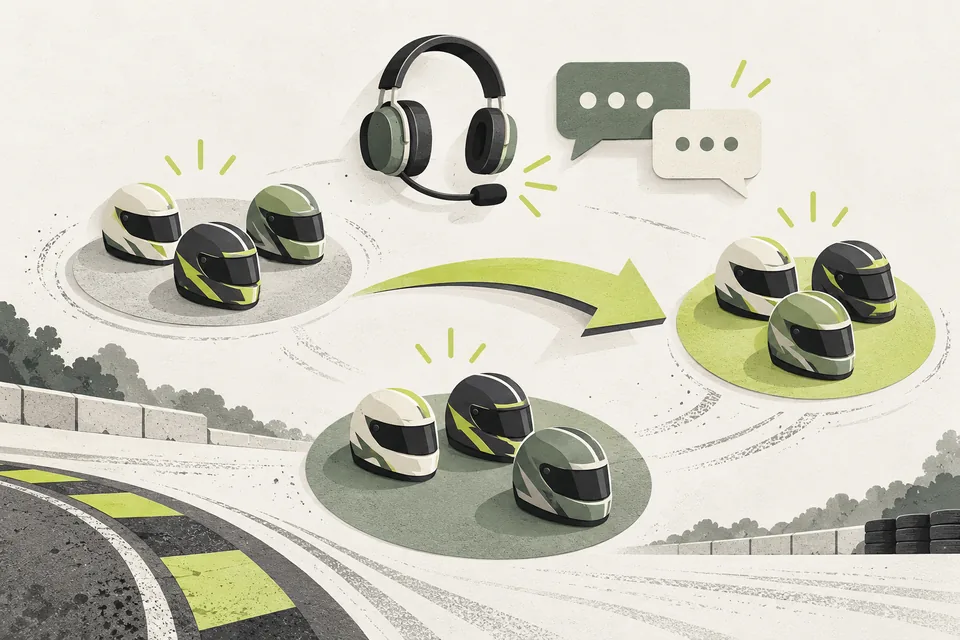
Decide which roles identify qualifying groups and battle drivers. Use names that drivers and staff can recognize quickly.
Explain where each group should go and where event updates appear. A role is useful when people understand what it means, not just when it adds another label to their name.
2. Include removal in your plan
Adding roles is only half the job. Groups change, drivers move into battles and event access may no longer apply. Old roles can leave drivers unsure which instructions are meant for them.
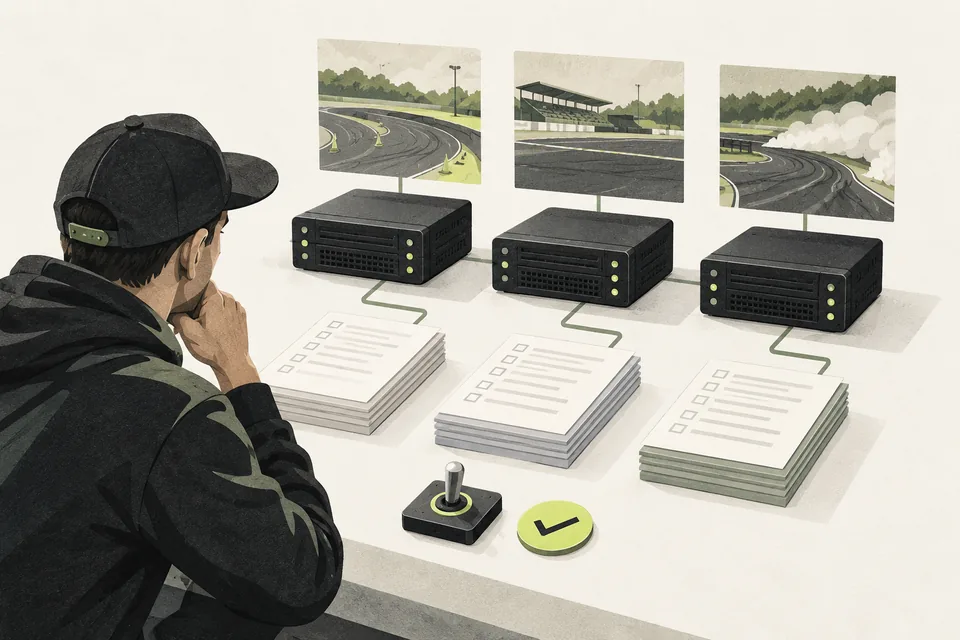
Keep the current driver list up to date and decide who owns it. That gives staff one agreed place to check before changing access or group assignments.
3. Let roles follow the driver list
Role Sync reads qualifying groups and battle assignments from your live Sheet and matches drivers to their Discord accounts. Managed roles come off when they no longer apply.
The bot only changes roles you have configured for it to manage, and it records those changes in your staff log. Your team can spend less time working through members one at a time.
Role Sync needs Live Judging, driver Discord IDs in the Sheet and a bot with the appropriate permissions. Applications & Event Registration is not required for this competition-role workflow.
Before your next event
Readiness checklist
Tick these as you prepare, or print a copy for your team. This site does not save your ticks.
Keep the checklist
A simple copy for your team, ready to open in Google Sheets or Excel.
Common questions
Will the bot change every role in our Discord server?
No. Role Sync only manages the roles you configure for it. Other roles remain outside that managed set.
Do we need Applications & Event Registration for Role Sync?
No. Competition-role sync uses the live judging Sheet and its driver Discord IDs. You need Live Judging and a configured Discord bot connection; the registration module is optional.