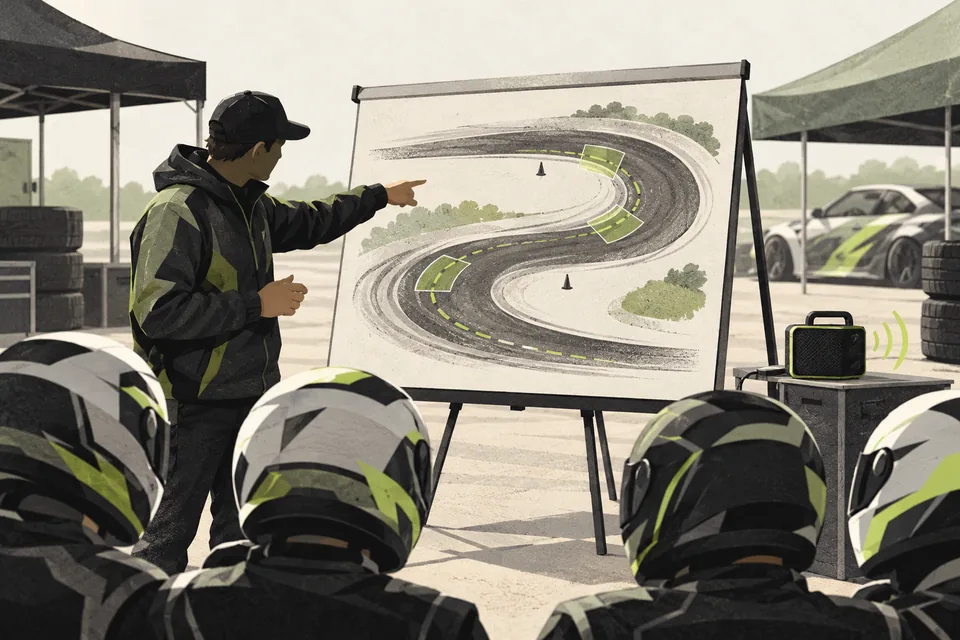
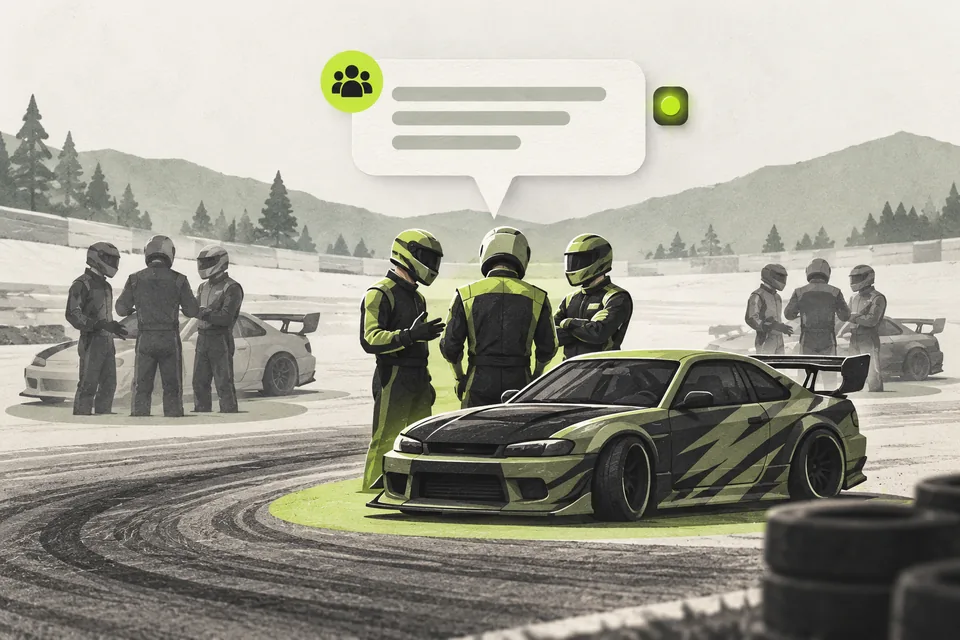
1. Give each channel a clear purpose
Tell drivers where to join for briefing and where their group will go next. Use channel names that staff can recognize quickly during a busy event.
Ask drivers to join the agreed starting channel before the move. Staff cannot move someone who is not connected to that voice channel.
2. Check the group before moving it
Choose the role, source channel and destination deliberately. A quick check is especially useful when several groups are waiting at once.
Tell drivers a move is about to happen. Afterward, check the result so anyone who could not be moved gets a clear instruction from staff.
3. Move the selected group together
Discord Voice Control finds members with the selected role who are connected to the chosen source channel. For larger moves, it shows the count and requires confirmation before proceeding.
You can also choose a prerecorded briefing or staging reminder to play in the destination channel after the move. Staff provide the recording and decide when to use it.
The staff log records the outcome, including moved and failed counts. That replaces repeated individual moves with one reviewed group action.
It works with roles you already use. Role Sync is optional if you also want qualifying and battle roles to follow your live judging Sheet.
Before your next event
Readiness checklist
Tick these as you prepare, or print a copy for your team. This site does not save your ticks.
Keep the checklist
A simple copy for your team, ready to open in Google Sheets or Excel.
Common questions
Do I need Live Judging or Role Sync to move a group?
No. Voice Control works with existing Discord roles. Role Sync is an optional addition if you want those competition roles updated from Live Judging.
Can it move drivers who are not in voice?
No. Drivers must already be connected to the selected source voice channel. The bot also needs the appropriate permissions for the move.
Can it announce a reminder in voice?
Yes. You can choose a prerecorded audio cue to play after a group move. Provide the recording; the bot needs voice permissions and FFmpeg for playback. This feature does not generate speech from live results.