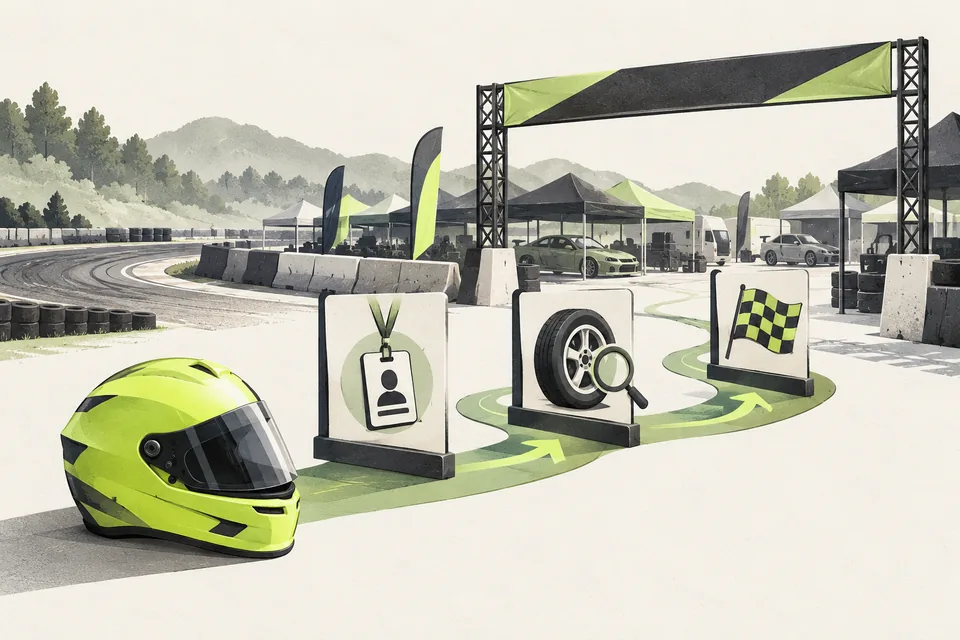
1. Give drivers one clear starting point
Tell drivers where to apply, when entries close and what happens after they submit. Make the difference between applying to your competition and entering a particular event clear.
Ask drivers to check their details before staff review them. A correct name, number and account at the start means fewer corrections during event preparation.
2. Stop collecting the same details every round
Returning drivers should not need to send their whole profile again. Your staff should not have to search old messages to rebuild the entry list either.
The repeated work grows when fees and Discord access are involved: who entered, whose payment belongs to which event, and who needs a role? Keep those steps connected to the same driver record.
3. Connect applications, entries and access
Applications & Event Registration turns a Discord application into a reusable driver profile. Staff review applications, approved drivers register for events through the bot, and records are saved in your Sheet.
Payments & Refunds matches Stripe entry payments to the driver and event. Refunds stay subject to staff review and your published policy.
Role Sync updates configured qualifying and battle roles from your live judging Sheet. It requires Live Judging. Your team spends less time copying details and changing access by hand.
Before your next event
Readiness checklist
Tick these as you prepare, or print a copy for your team. This site does not save your ticks.
Keep the checklist
A simple copy for your team, ready to open in Google Sheets or Excel.
Common questions
Can returning drivers reuse their details?
Yes. The core bot keeps a driver profile so approved drivers can register for events without starting a new application each time.
Do we need paid entries to use the registration bot?
No. Payments & Refunds is an optional module. You can use Applications & Event Registration without it, and add payment handling if your events need it.