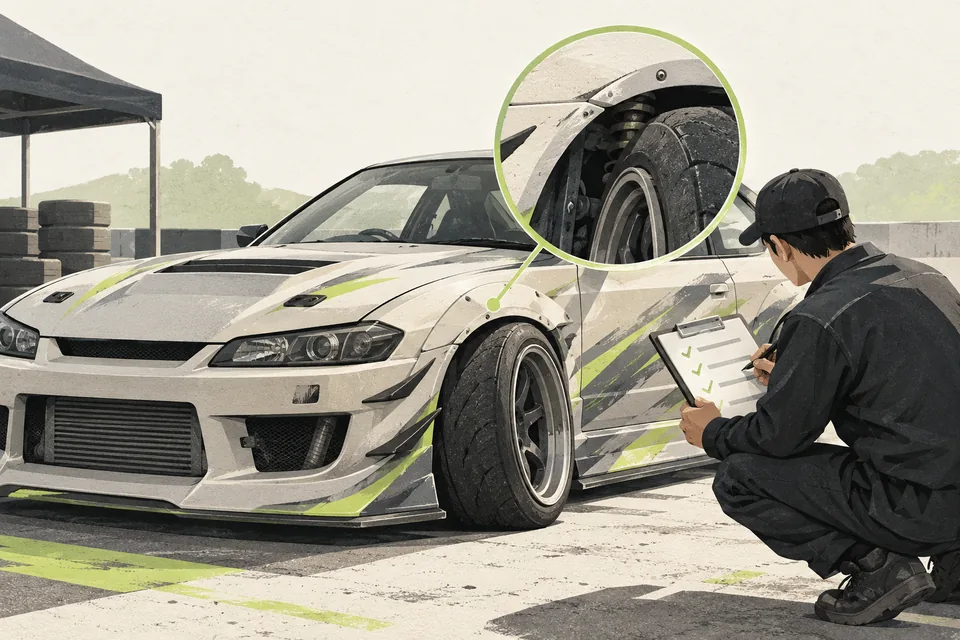
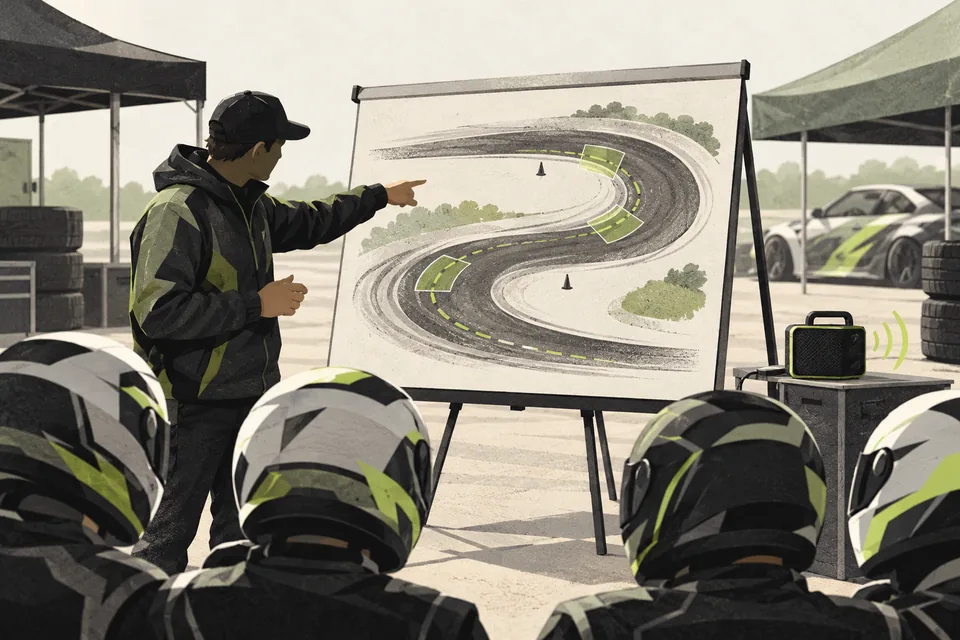
1. Show the route to the first run
Start with a short sequence: apply, confirm the event entry, prepare the car, attend the briefing and watch for the group call. Link to the details where each step needs them.
Explain the difference between an approved driver profile and a confirmed entry for this event. New drivers should not have to guess whether they have finished joining.
2. Make the uncertain moments easy to resolve
Choose one place for entry questions and tell drivers where to ask about car reports. Keep the answers consistent with the current event information.
Before race day, show drivers which channel carries group calls and what to do when their group is announced. Clear expectations help them arrive prepared.
3. Make recurring steps easier for drivers and staff
Applications & Event Registration collects a reusable driver profile and handles event registration in Discord. Car Quick Scan & Auto-Fix provides reports and supported fixes on a copy, with an inspector retaining final approval.
Discord Group Announcer posts targeted text calls for configured active server groups. These tools organize repeated steps so staff can spend more attention on drivers who need individual help.
Before your next event
Readiness checklist
Tick these as you prepare, or print a copy for your team. This site does not save your ticks.
Keep the checklist
A simple copy for your team, ready to open in Google Sheets or Excel.
Common questions
Does passing a car scan guarantee entry?
No. A scan reports supported checks. Staff still apply the event’s eligibility rules and retain final inspection approval.
Do returning drivers have to create a new profile?
Applications & Event Registration is designed around a reusable driver profile. Drivers still need to register for the intended event and confirm their details.